
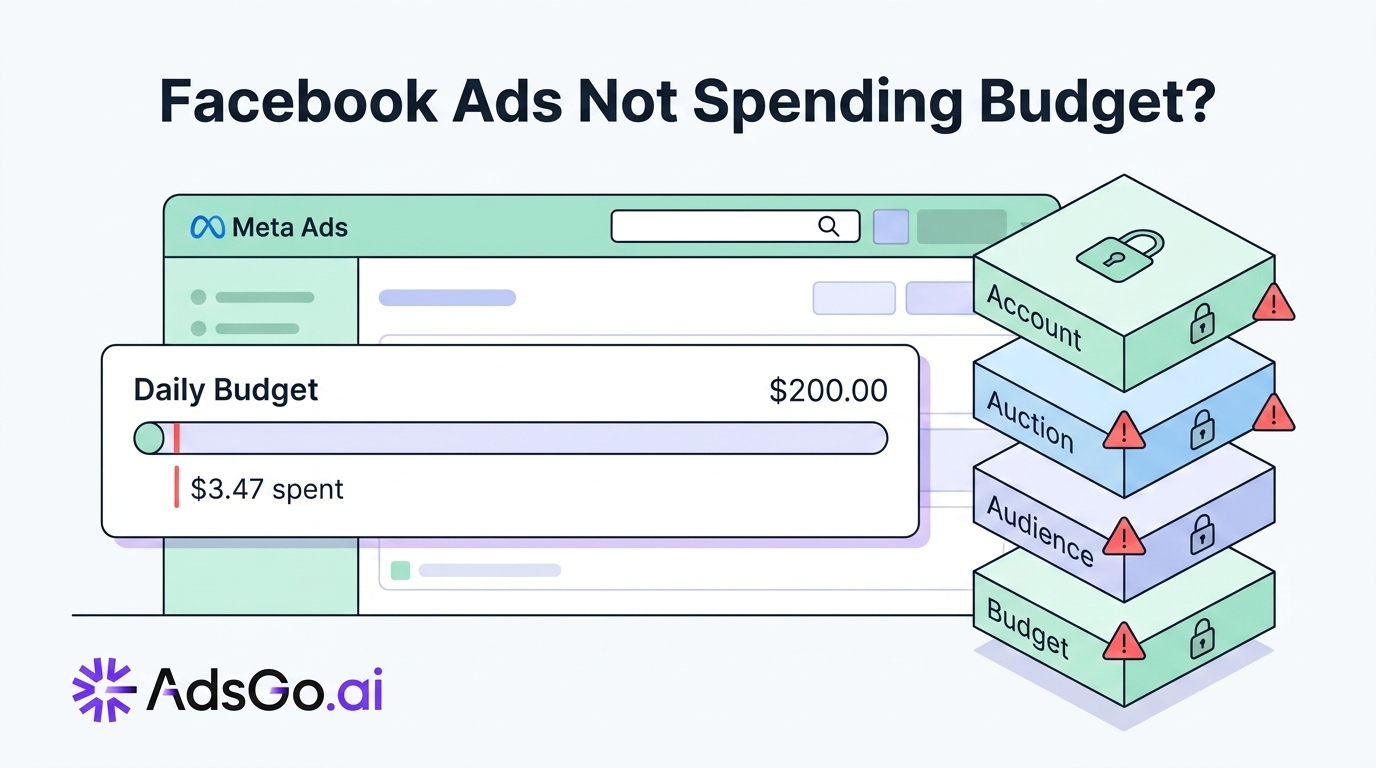
You set a $200 daily budget. It's 6pm. Your campaign has spent $4.50.
The campaign isn't paused. The ads are approved. There are no error messages in Ads Manager. So what exactly is going on?
This is one of the most confusing problems in Facebook advertising — not because it's hard to fix, but because most guides give you one or two surface-level answers. The real issue is that there are 4 distinct layers where Facebook can block your spend. Most advertisers only ever check one of them.
Once you know which layer is causing the problem, the fix is usually quick. Here's the full diagnostic system.
Hard Block vs. Soft Block: Why It Matters
Before you start troubleshooting, you need to identify which type of block you're dealing with. The answer completely changes your fix path.
A hard block means $0 spend. Something is preventing your campaign from entering the ad auction at all. Your budget sits untouched.
A soft block means you're spending 10–30% of your budget. You're getting into some auctions — but Meta is throttling your delivery, or you're losing most bids before they generate impressions.
These two states need different fixes. Applying an auction fix to a hard-blocked campaign wastes your time and doesn't solve anything.
Here's how to tell them apart at a glance:
Hard block signs: Zero impressions, payment error in Billing, "Account Restricted" in Account Quality, or all ads showing "Rejected."
Soft block signs: Some impressions but spending well under budget, Delivery Insights showing "Audience Too Small" or "Auction Competition" warnings, campaign status shows Active with low spend.
Open your Ads Manager Delivery column now. The sub-status label under "Not Delivering" or "Active" gives you your first clue. That's where to look before doing anything else.
Facebook ads not spending the budget you set?
The 4-Layer Blocking Model
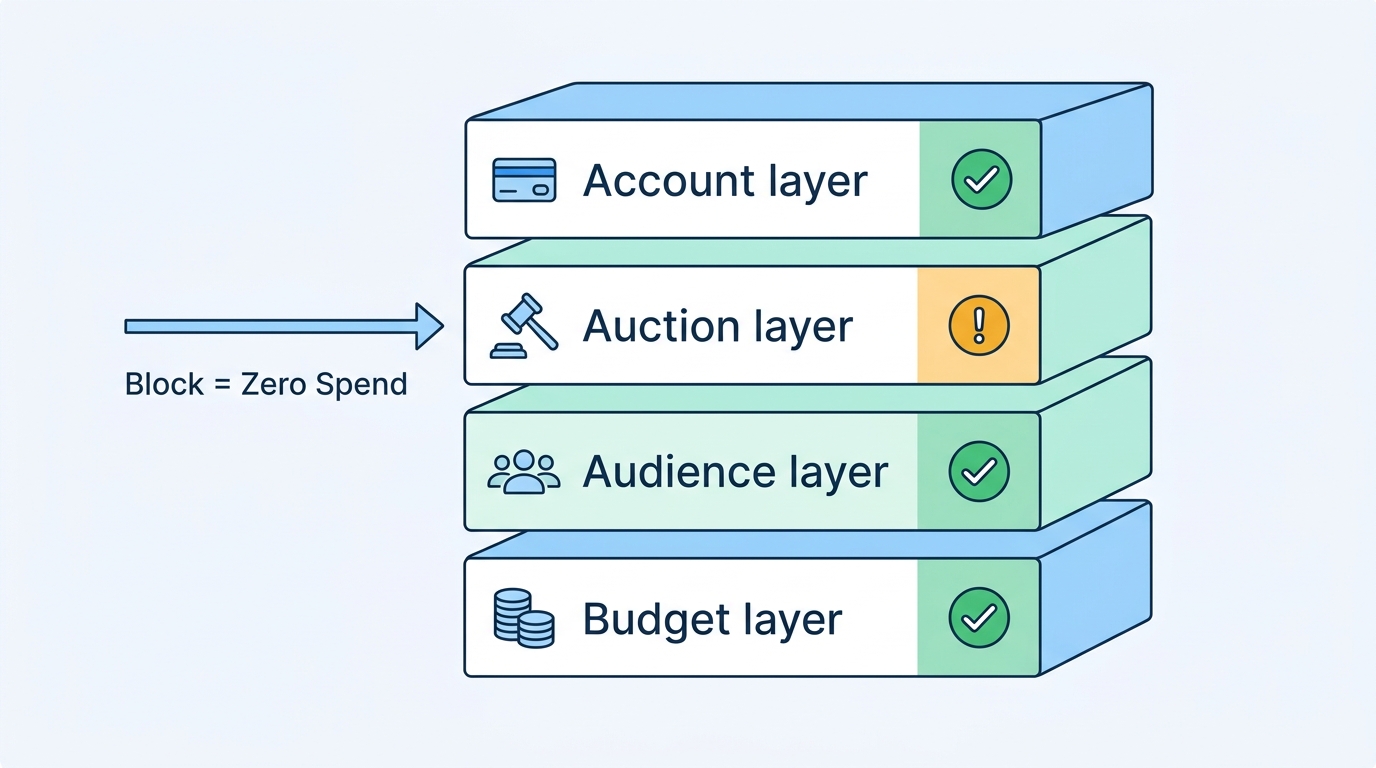
Think of your Facebook campaign like water flowing through 4 pipes. If any pipe is blocked, nothing flows through — no matter how big your budget is.
One caveat: these layers aren't fully independent. A bid cap (Auction layer) directly affects how fast your budget clears. Audience density (Audience layer) determines how often Meta can even enter an auction. Treat these as diagnostic categories rather than isolated compartments — the fix for one layer sometimes fixes another.
Here are the 4 layers, from the top down.
Layer 1 — Account (Top of the pipe)
Account-level issues create a complete spend stop. It doesn't matter what your auction or audience settings look like — if there's a block at the account level, no ads run at all.
Payment failure is the most common cause of zero spend across all account types. Meta tries to charge your card when you hit your billing threshold. If the payment fails — expired card, bank blocking international transactions, insufficient funds — all active campaigns pause immediately. Meta sends an email notification, but it's easy to miss in a busy inbox.
Account restriction happens after repeated policy violations or unusual activity. Unlike a single rejected ad, a restriction freezes every campaign in your account at once. You'll see a red banner in Business Manager and a flag inside Account Quality.
Billing threshold for new accounts: New accounts don't get charged until you hit a minimum spend threshold — typically $25 for accounts under 30 days old. Until you clear that threshold, your delivery is capped. This one resolves automatically once you hit the threshold, so no action is needed.
How to check in 60 seconds: Go to Meta Business Suite → Billing → Payment Activity. Confirm your payment method is active and your last charge went through. Then open Account Quality and look for any restrictions or warnings.
Layer 2 — Auction (Can't win bids)
Your account is fine. Your ads are eligible. But you're still not spending — because you can't win any auctions.
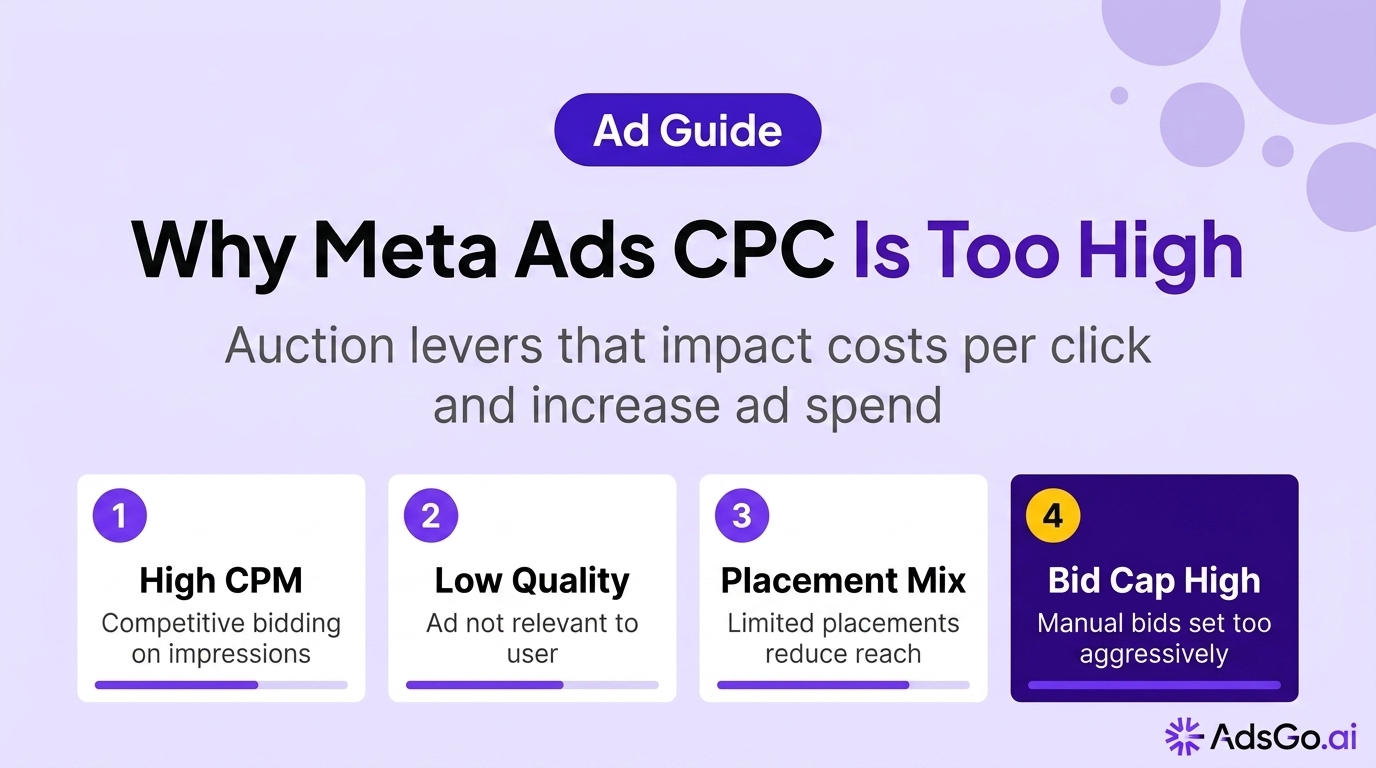
Meta runs a real-time auction every time a user could potentially see an ad. The winner is determined by a formula: Total Value = Bid × Estimated Action Rate × Ad Quality. If any of these three numbers are too low, you lose the auction and spend nothing.
Bid cap set too low is the most direct auction block. If you've set a bid cap of $8 but the market clears at $15 for your audience, you'll lose most auctions — often all of them. Your campaign looks "Active" but accumulates near-zero spend throughout the day.
Predicted action rate too low means Meta doesn't believe your ad will generate results for its users. It estimates this probability based on your creative, your audience match, and your account's history. When the prediction is near zero, Meta stops bidding on your behalf — even if you've set a generous budget.
Ad quality score penalty happens when your ad generates negative feedback. People hiding it, skipping it, or reporting it at high rates pulls your quality score down. That directly reduces your effective bid inside the auction formula, making it harder to win impressions.
How to diagnose: In Ads Manager, click your ad set → Delivery Insights. Look at the Auction Competition metric. If it shows "High" and you have a bid cap active, that combination is almost certainly your problem. Removing the bid cap is usually the fastest fix.
Layer 3 — Audience (Not enough eligible users)
Your bids are competitive, but Meta can't find enough people to show your ads to. This is the most common cause of soft blocks — partial spend, inconsistent delivery day to day.
Audience under 50K is a reliable warning sign. When you stack Interest + Location + Age + Behavior filters, it's easy to end up with 8,000 or 12,000 people. Meta needs enough audience density to find delivery at scale. Audiences this small produce sporadic impressions or none at all.
Over-exclusion is a sneakier problem. You might be excluding audiences that overlap heavily with your target group. A classic mistake: retargeting all website visitors while excluding "people who have purchased" — if most of your visitors have also purchased, your net reach drops to near zero.
Ad set overlap means your campaigns are competing against each other in the same auction. Multiple ad sets targeting similar audiences inside the same campaign split budget and reduce effective delivery for both. You end up bidding against yourself, which hurts spend efficiency and raises your costs.
Quick check: In Ads Manager, click the audience size indicator for your ad set. Audiences under 10,000 are generally at risk for delivery problems — though some high-intent remarketing audiences can perform fine at smaller sizes. Use Meta's Audience Overlap tool to see if any of your ad sets are cannibalizing each other's reach.
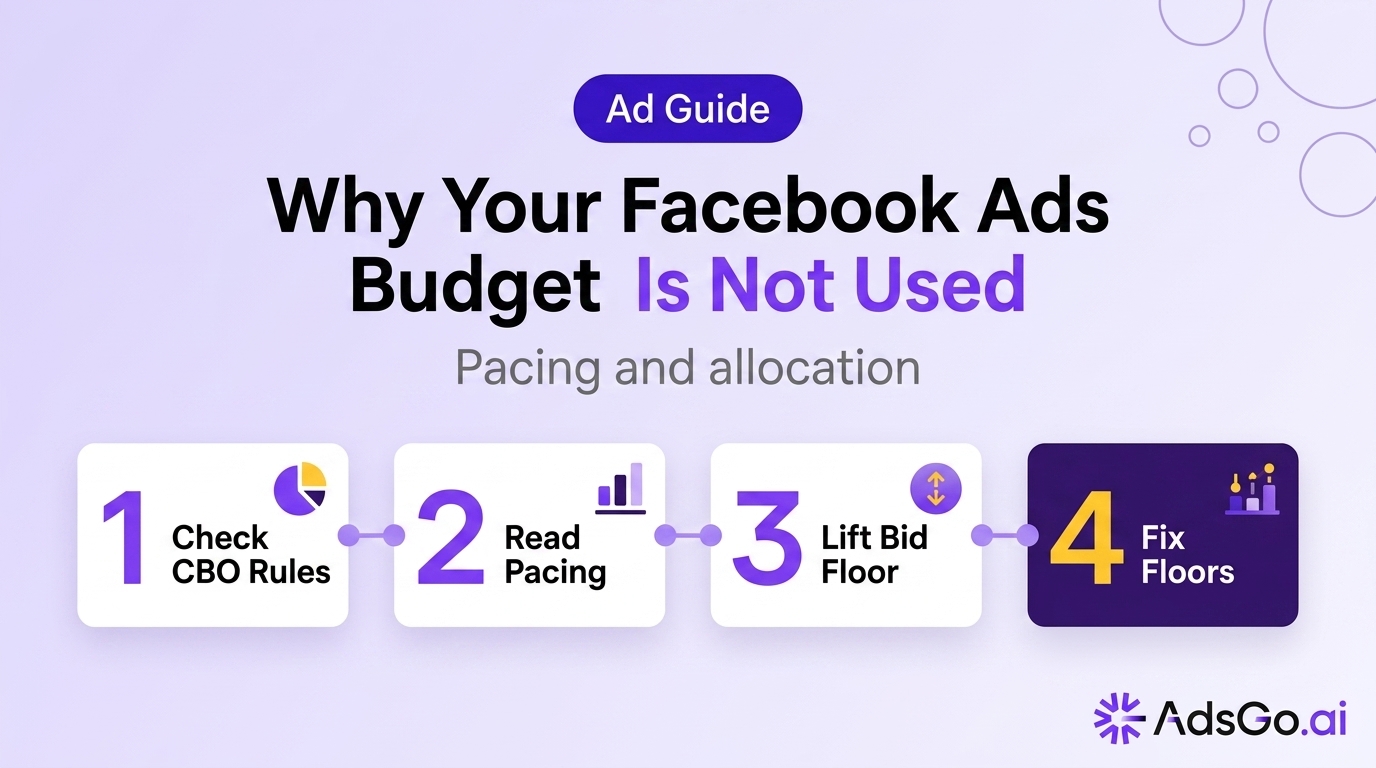
Layer 4 — Budget (Meta pacing issues)
Sometimes the block isn't external. It's in how your budget is structured — or how Meta is pacing it across the day.
Budget too low for your objective is common with new campaigns. Meta recommends a daily budget of at least 2× your target CPA (cost per acquisition). If you're targeting a $30 CPA with a $5 daily budget, Meta can barely bid on one auction per day. There's not enough room to learn or optimize, and spend stalls.
CBO vs. ABO imbalance creates uneven spend distribution. CBO stands for Campaign Budget Optimization — Meta controls how budget is split across ad sets. ABO means you set the budget per ad set. In a CBO campaign, Meta can allocate nearly everything to one "winning" ad set while others receive almost nothing. From the outside, it looks like budget isn't spending — but really, one ad set is spending all of it.
Lifetime budget front-loading happens when Meta spends your full lifetime budget early in the campaign window. The campaign still shows "Active" but has nothing left. Always check your remaining lifetime budget in campaign settings if you're seeing this pattern.
How to check: Review your campaign budget settings and confirm no custom delivery schedule is active. To spot pacing issues, go to Breakdown → Time of Day to see your hourly spend distribution and identify where the drop-off happens.
Fast Fix Ranking (Sorted by Speed)
Not all fixes take the same effort. Here's where to start — ordered by how quickly you can act and see results.
Work through this list from the top and stop when your spend recovers:
| Fix | Time Needed | What It Solves |
|---|---|---|
| Check and update payment method | Under 5 min | Hard block from billing failure |
| Check audience size, remove one filter layer | Under 10 min | Soft block from over-filtered audience |
| Remove or raise bid cap | Under 15 min | Auction block from bid below clearing price |
| Consolidate overlapping ad sets | ~30 min | Audience overlap, CBO imbalance |
| Wait for Meta's learning phase to complete | 1–3 days | Learning-phase delivery throttle |
Most no-spend problems get resolved at row 1, 2, or 3. The bottom two are edge cases for accounts that have already ruled out the obvious causes.
One important note: don't skip Layer 1 checks just because your account looks fine on the surface. A failed payment doesn't always surface a visible banner right away.
Still can't find which layer is blocking your spend? AdsGo diagnoses all 4 layers in real time and surfaces the specific fix — before you lose the rest of the day's budget. → Try AdsGo free
How AdsGo Handles Budget Under-Delivery
The hardest part of the 4-layer diagnosis isn't knowing the framework — it's checking it across 10+ campaigns before you've already lost half the day's budget.
AdsGo's budget allocation system tracks hourly spend pacing against your daily targets in real time. If an ad set is trending to use less than 20% of its budget by midday, you see a specific alert — not a generic warning, but the layer-level cause: payment issue, auction loss, audience gap, or pacing constraint. That difference matters because the fix for each is different.
For CBO campaigns specifically, AdsGo's AI optimization dynamically shifts budget weight toward ad sets that are actively clearing auctions — a practical guard against one ad set monopolizing spend while others idle at zero.
FAQ
How long should I wait before worrying about no spend?
If your campaign launches and shows zero spend after 2 hours, investigate right away. A soft block — under-spending by 70–80% — is worth checking after 4–6 hours. Don't wait until end of day. Early diagnosis means you can still recover spend in the same billing period.
My ads spent fine yesterday but stopped today — what changed?
Sudden stops after normal spending usually point to one of three things: a lifetime budget was fully consumed, an ad was rejected after a policy re-review, or a competitor raised their bids and pushed you below the auction clearing price. Check Account Quality first, then open Delivery Insights.
Why does Facebook spend my full budget some days but almost nothing other days?
This is Meta's pacing model responding to audience availability. When your audience is less active — fewer users online, competitors outbidding you in that window — Meta throttles your delivery rather than overpaying to force spend. Large day-to-day fluctuations typically indicate audience size or bid cap constraints, not a platform bug.
Does switching from Automatic to Manual placements affect budget spend?
Yes, significantly. Automatic placements give Meta the most flexibility to find inventory — Instagram Stories, Audience Network, Reels — which usually means faster budget clearance. Manual placements restrict where your ad can appear, which reduces auction entry opportunities and often results in under-delivery, especially with small audiences. If you're using manual placements and seeing low spend, test reverting to Advantage+ placements first.
Can running multiple campaigns from the same account hurt individual campaign spend?
Yes — and this is underappreciated. Campaigns within the same account compete against each other in Meta's internal auction when they share audience overlap. If two campaigns both target "Women 25–44, US, interest in fitness," they bid against each other, inflating costs and reducing effective delivery for both. Use the Audience Overlap tool to catch this before it becomes a chronic spend issue.
Does seasonality affect how my budget spends?
Yes. Auction clearing prices fluctuate with advertiser demand — peaks during Q4, major sales events, and even day-of-week cycles (CPMs are typically 15–25% higher on weekends). If your budget spent easily last month but now consistently under-delivers, check whether your bid cap or low-bid strategy is still competitive at current market prices, not just the prices you benchmarked against.