
Facebook ad review should take 24 hours. When it doesn't, every hour your ad sits in review is an hour of delivery you're not getting — and if you're running time-sensitive promotions, that lost time has real revenue implications.
"In Review" and "Rejected" are two different problems requiring different responses. This guide covers both, starting with the policy classification system that determines why your ad gets flagged in the first place.
How Meta's Ad Review System Actually Works
Meta reviews ads through a combination of automated systems and human reviewers. The automated system runs first and catches the majority of violations. Human review is triggered when: the automated system is uncertain, the ad is in a sensitive category, or the account has a recent history of violations.
Review time depends on which path your ad takes:
| Review Path | Typical Duration |
|---|---|
| Automated only (no flags) | Under 1 hour |
| Automated with uncertainty | 2–12 hours |
| Human review queue | 12–24 hours |
| Special category compliance check | 24–48 hours |
| Account under enhanced scrutiny | 48–72 hours |
Most ads take under 24 hours. If yours has been "In Review" for more than 48 hours, it's likely in human review queue or your account is under enhanced scrutiny due to prior violations.
Meta's Policy Categories: What Gets Flagged and Why
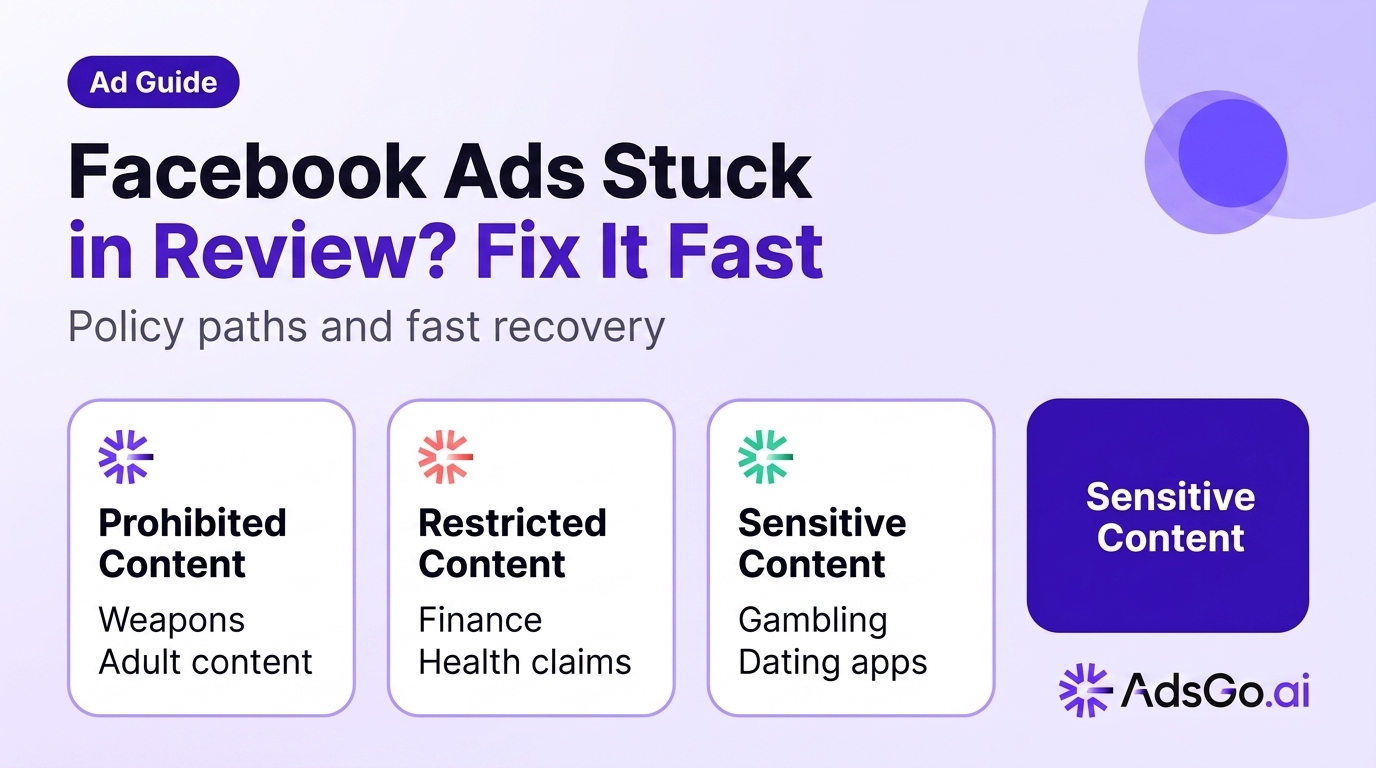
Meta's ad policies aren't a single list — they're organized into categories with different enforcement levels. Understanding the category helps you predict review time and draft compliant creative.
Prohibited Content (Hard Stop)
These policies result in immediate rejection regardless of context. No amount of appeal language will change the outcome:
- Tobacco products and accessories
- Illegal drugs and drug paraphernalia
- Weapons, ammunition, explosives
- Adult content and nudity
- Content that discriminates based on protected characteristics
Restricted Content (Requires Additional Review)
These categories can advertise on Meta but require specific setup or have narrower creative rules:
Financial products and services: Any ad mentioning loans, debt relief, credit, mortgages, insurance, or investment products. Requires explicit disclaimers in the ad and landing page. Must not include guaranteed ROI claims or "risk-free" language.
Health and wellness: Before/after images are prohibited. Claims like "lose 20 pounds" or "cure diabetes" are rejected automatically. "May help support" language is typically acceptable; "will cure" or "eliminates" is not. Weight loss products often require specific eligibility disclosures.
Political and social issues: In most countries, ads about elections, political candidates, or contentious social issues require an authorization through Meta's Ad Authorization process. These ads also have limited targeting options.
Employment and housing: Ads for job listings, rental housing, or financial products cannot use targeting based on age, gender, or certain ZIP code-level location targeting. Meta applies Special Ad Category rules that restrict demographic targeting.
Sensitive Content (Higher Scrutiny, Not Banned)
These topics don't require special authorization but receive closer scrutiny and are more likely to be routed to human review: gambling and gaming, online dating, political commentary, supplements and vitamins, anti-virus and security software, subscription services with negative option billing.
The Risk Scoring System Behind Rejections
Meta's automated review system assigns a risk score to each ad based on several signals. A high risk score routes the ad to human review or triggers rejection. Understanding the inputs to this score helps you draft lower-risk creative.
Ad-Level Risk Signals
Landing page risk: Meta's system scans your landing page for compliance issues — not just the ad. A landing page with health claims that exceed what the ad states, subscription terms buried in fine print, or checkout flows that seem to mismatch the ad's offer can trigger rejection even if the ad itself is clean.
Creative risk: Specific visual elements trigger automated flags: before/after images (health), images of credit cards or currency (financial), images of people with certain hand positions or expressions (weapons, drugs), and stock images commonly associated with adult content.
Account risk history: Accounts with prior rejections or policy violations are scored more severely. An account with 3 rejected ads in the past 30 days will have its new ads reviewed more strictly than a clean account. This is why a single policy misstep creates a compounding review problem.
Keyword triggers: Certain words and phrases in ad copy trigger automated scrutiny regardless of context: "guaranteed," "no risk," "cure," "eliminate," "before and after," "fastest," "100%," and financial terms like "APR," "interest rate," and "guaranteed approval."
Account-Level Risk Signals
Your account's overall policy standing affects how every new ad is reviewed. Meta's Account Quality dashboard shows your current status across four dimensions: ad account status, page status, payment status, and Commerce Account status (if applicable).
An account with any restrictions in these dimensions will have all new ads reviewed under stricter criteria. Resolving account-level issues before submitting new ads is more effective than repeatedly appealing individual ad rejections.
Ready to Launch Smarter Campaigns?
Recovery Playbook: From Rejected to Approved
Step 1: Read the Rejection Reason Carefully
Meta provides a specific policy violation in Account Quality. Don't guess — the stated reason tells you exactly which element to change. Common reasons and their plain-language meaning:
- "Personal attributes" — Your ad implies something about the user (e.g., "Are you struggling with debt?")
- "Misleading or false content" — A claim in your ad or landing page can't be substantiated
- "Prohibited content" — A specific prohibited element is present
- "Landing page issues" — Your landing page has content that violates policy, separate from the ad
Step 2: Fix the Specific Violation, Not Your Whole Ad
Don't rewrite the entire ad when only one element is violating policy. Identify the specific sentence, image, or landing page element cited in the rejection reason and change only that. Rewriting the whole ad introduces new potential violations and resets the review clock.
Common fixes for frequent rejection reasons:
For "personal attributes" violations: Rephrase from second-person ("Are you struggling?") to third-person or general statements ("Many business owners struggle with...").
For health claim violations: Add qualifiers ("may help support"), remove specific outcome claims, and ensure the landing page mirrors the same qualified language.
For before/after images: Replace with single-state images that show the product or service in use without implying transformation.
Step 3: Submit a Targeted Appeal
If you believe your ad complies with Meta's policies, submit an appeal through Account Quality → Ad Rejections → Request Review. Write a specific appeal that cites the relevant policy section, explains why your creative complies with it, and references any comparable approved ads in the same category.
Generic appeals ("I believe my ad follows the rules") are less effective than specific appeals that demonstrate policy knowledge.
Step 4: If Appeal Fails, Contact Meta Business Support
For accounts spending over $5,000/month, Meta Business Support is accessible via live chat or email through Business Manager → Help Center. Escalating through this channel — rather than the standard appeal form — often reaches a human reviewer faster.
For accounts with an assigned Meta rep, escalate directly through them with the specific ad ID and rejection reason.
Ads stuck in review slowing your campaigns? AdsGo flags policy issues and helps you relaunch faster. → Try AdsGo free
Preventing Future Rejections: Compliance Checklist
Before submitting any ad, verify these elements:
Creative: No before/after images, no prohibited product categories, no personal attribute targeting language, no absolute claim language ("guaranteed," "100%," "cures"), no misleading visual elements.
Landing page: Claims in the ad are substantiated on the landing page, pricing and subscription terms are clearly disclosed, privacy policy is accessible, the product or service offered matches what the ad promises.
Targeting: Special categories (employment, housing, financial, political) use appropriate Special Ad Category settings with restricted targeting. Retargeting lists are properly consented.
Account health: Check Account Quality before launching new campaigns. Resolve any outstanding violations before adding new creative to an account with active restrictions.
AdsGo's auto-creative system generates ad creative that's pre-screened against Meta's policy framework, reducing rejection risk for common categories. When creative elements that typically trigger review are detected, AdsGo flags them before submission so you can revise rather than recover.
FAQ
How long does Facebook ad review normally take?
Most ads are reviewed within 24 hours, with the majority completing in under 12 hours. Ads in sensitive categories (financial, health, political) or accounts with prior violations may take 24–48 hours. If your ad has been In Review for more than 48 hours, contact Meta Business Support.
Can I run other ads while one ad is in review?
Yes. An ad being reviewed doesn't affect other ads in the same account. You can continue running approved ads while waiting for review. If an entire ad set is rejected (not just one ad), other ad sets in the same campaign continue running normally.
Why was my ad rejected after being approved before?
Meta periodically re-reviews previously approved ads, and policy interpretations can change. An ad that was approved in 2024 may no longer comply with 2026 policy updates, particularly in categories like health, finance, and subscription services where rules have tightened. Additionally, landing page changes after approval can trigger re-review.
What's the fastest way to get a rejected Facebook ad approved?
Edit the specific element cited in the rejection reason (don't rewrite the whole ad), resubmit, and if the appeal process is too slow, create a new ad with the policy-compliant version. The appeal process can take 24–72 hours; creating a new ad resets to the standard review queue, which is often faster.
Can I appeal a Facebook ad rejection multiple times?
Yes, but with diminishing returns. After 2–3 appeals with the same creative, Meta's system treats the ad as a persistent violator and is unlikely to approve it. At that point, the most effective path is creating a substantially different ad that communicates the same message without the flagged elements.