
Spend is flowing. Link clicks look acceptable. But purchases, leads, or booked calls are not keeping up — and you are not sure whether the problem is the ad, the page, or the data Meta uses to optimize.
That is what most advertisers mean when they say Facebook ads are not converting. It is not one failure mode. It is usually one of ten recurring structural breaks — and fixing them in the wrong order wastes another week of budget.
This guide lists all ten reasons, the signal that confirms each one, and a fix priority matrix so you address tracking before creative, and creative before offer tests.
What «Not Converting» Really Means
Facebook ads are not converting when your cost per result (purchase, lead, or scheduled call) is above target for 7+ days at meaningful spend — not after $40 and two days of noise.
Three situations get mixed together:
| Situation | What you see | Best diagnostic |
|---|---|---|
| Zero conversions | Clicks or spend, but 0 results in Ads Manager | Funnel breakpoint guide |
| Weak conversions | Some results, but CPA 40–100%+ above target | This 10-reason list |
| False zero | Revenue in Shopify/CRM, near-zero in Ads Manager | Reasons #1–2 (tracking) |
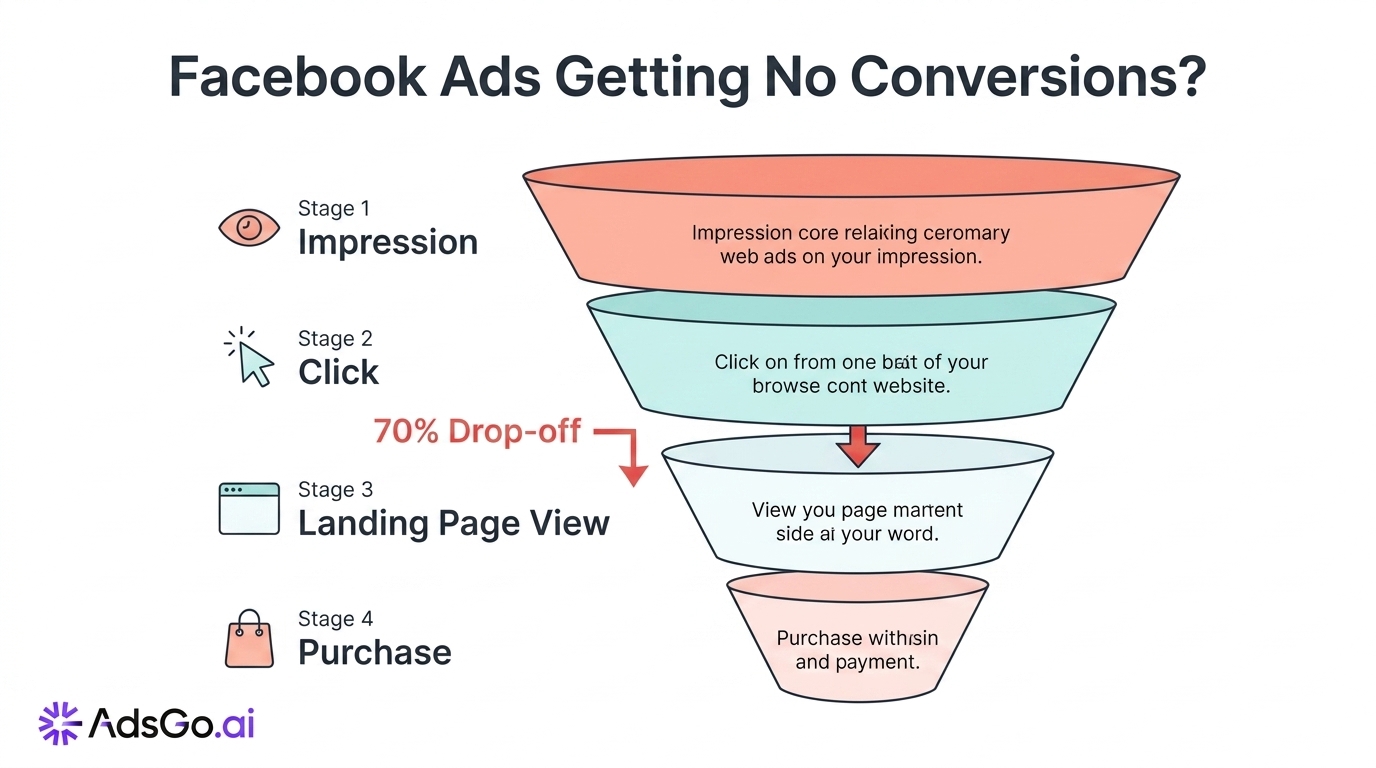
If you truly have zero conversions despite clicks, start with the funnel article above — it maps impression → click → landing page view → purchase. This article assumes you have enough traffic to judge conversion rate, but results are poor or unstable.
Clicks up but conversions flat?
Fix Tracking First
Reasons #1 and #2 are tracking failures. They cause more "ads not converting" panic than bad audiences — because Meta optimizes on the events it can see.
Before you change creative, audiences, or bids, confirm:
- Purchase (or your primary KPI) fired in Events Manager within the last 48 hours
- Event Match Quality (EMQ) for that event is at or above 6.0 (Meta benchmark)
- Pixel and Conversions API (CAPI) send the same events with matching
event_iddeduplication
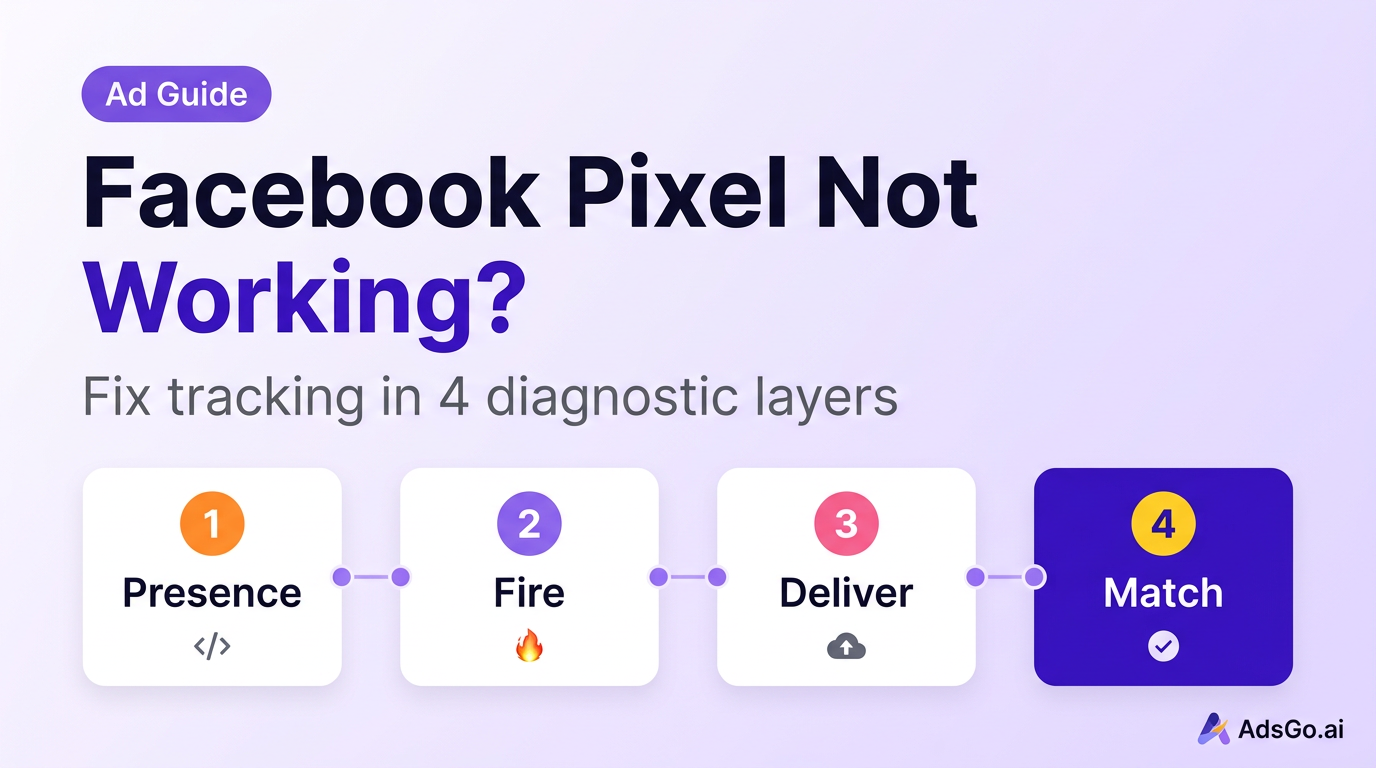
Setup walkthrough: how to track Facebook ads conversions. Active errors: Facebook pixel not working fix guide.
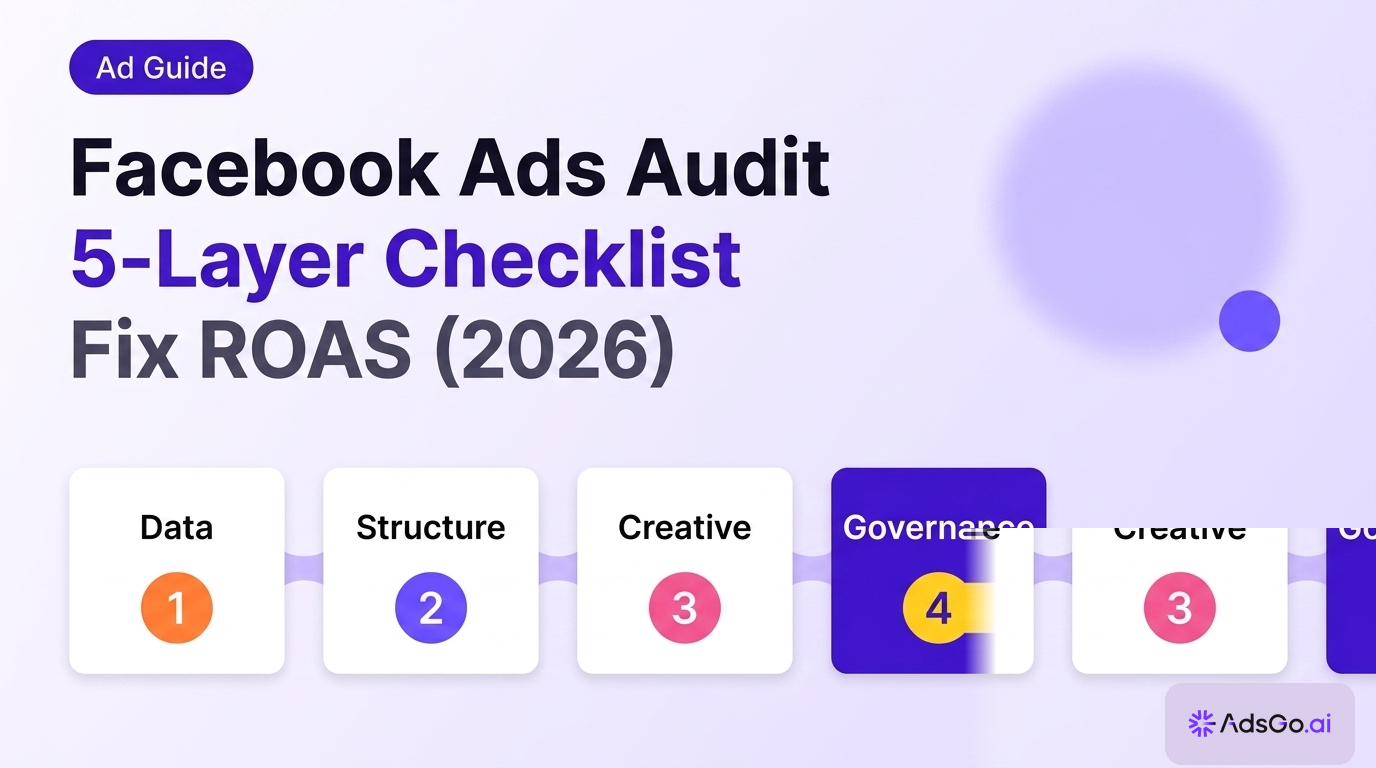
If tracking fails, ignore Reasons #4–10 until Layer D in a Facebook ads audit passes.
10 Reasons Ads Stop Converting
Each reason below follows the same pattern: what breaks, how to spot it, what to do first.
1. Broken Pixel or CAPI Setup
Meta cannot optimize toward purchases it never receives. Browser-only Pixel setups miss an estimated 20–35% of events after iOS restrictions and ad blockers (Source: Meta advertiser documentation, 2025).
How to spot it:
- No Purchase events in 48 hours while spend is active
- EMQ below 5.0 on your primary conversion event
- Ads Manager totals 20%+ below backend orders for 7+ days
Fix first: Implement or repair CAPI, pass hashed email/phone where allowed, verify events in Test Events. Do not scale budget until 48 hours of clean Purchase volume appears.
2. Duplicate or Missing Events
Running Pixel and CAPI without deduplication double-counts conversions or confuses optimization. Missing server events under-counts them — both look like "ads not converting" when the real issue is signal quality.
How to spot it:
- Same purchase appears twice in Events Manager diagnostics
- ATC volume 50× Purchase without a funnel explanation
- Sudden ROAS "improvement" with flat real revenue (inflated attribution)
Fix first: Add matching event_id on paired browser and server events. Remove duplicate Pixel installs on the same domain. Exclude internal/test traffic from firing Purchase.
3. Wrong Optimization Event
Optimizing for Purchase with fewer than ~30 purchases per week per ad set often traps delivery in Learning Limited. Meta then optimizes for engagement proxies (clicks, video views) that do not convert.
How to spot it:
- Learning Limited status 14+ days on primary ad sets
- Healthy CTR but CVR below 0.5% on cold traffic (industry estimate)
- Many link clicks, almost no add-to-carts or purchases
Fix first: Temporarily optimize for Add to Cart or Initiate Checkout until weekly volume supports Purchase again. Consolidate budget into fewer ad sets before changing the event back.
4. Learning Phase Stalled
Meta still targets roughly 50 optimization events per ad set per week to exit learning (Source: Meta help center, 2025). Fragmented budgets never get there — CPAs stay volatile and look like "non-converting" campaigns.
How to spot it:
- Multiple ad sets at $5–15/day on Purchase optimization
- Delivery badge: Learning or Learning Limited on top spenders
- CPA 30–50% higher than account average with no creative change
Fix first: Merge ad sets to concentrate spend. Target one ad set at budget ≥ 5× your target CPA per day. Avoid structural edits for 72 hours after consolidation.
5. Budget Too Fragmented
Ten variants at $10/day each produce noise, not learning. The algorithm needs dense conversion signal in one place — not micro-tests spread across duplicate audiences.
How to spot it:
- 8+ active ad sets in a campaign under $150/day total spend
- No single ad set reaches 50 weekly optimization events
- Performance swings wildly day to day without creative changes
Fix first: Pause bottom 30% of ad sets by spend, move budget to top 1–2 performers. Align with best Meta ads structure in 2026 before adding new tests.
6. Creative Fatigue
When the same audience sees the same angle too often, CTR falls and CPM rises. Conversion rate drops 5–7 days later.
How to spot it:
- 7-day frequency above 3.5 on cold prospecting
- CTR down 20%+ vs campaign best creative
- CPA rising while impressions stay flat
Fix first: Pause fatigued creatives (do not delete history). Launch one new concept — new hook, format, or offer frame — not a color swap. See ad creative fatigue for rotation cadence.
7. Weak or Same-Angle Creative
In 2026, creative acts as targeting input. Cosmetic variants (new headline color, same promise) do not give Meta new entity diversity — delivery stalls.
How to spot it:
- 5+ ads in rotation but identical visual story
- CTR below 0.5% on feed for 7+ days (Source: WordStream, 2025)
- Strong engagement on video views, weak link clicks
Fix first: Test one new concept per week: problem angle, social proof lead, or offer-led hook. Keep winner, replace laggards — do not add a sixth similar variant.
8. Ad-to-Page Message Mismatch
Users click on a specific promise. If the landing page shows a generic homepage or a different discount, they bounce before the Pixel fires a meaningful event.
How to spot it:
- Link CTR acceptable, landing page view rate below 70%
- Bounce rate spike on mobile landing pages
- High add-to-cart, near-zero checkout completion
Fix first: Match headline, offer, and visual above the fold to the ad. Run a 5-second mobile test: can a stranger state what you sell and what they get?
9. Slow or Broken Landing Page
A 3-second load delay can cost a large share of mobile conversions (Source: Google/Deloitte mobile speed research, cited widely in CRO studies). Meta counts link clicks when the ad is clicked — not when your page finishes loading.
How to spot it:
- Landing Page Views ÷ Link Clicks below 0.70
- PageSpeed mobile LCP above 2.5s
- Drop-off between View Content and Add to Cart with fast ad CTR
Fix first: Compress hero images, remove redirect chains, fix broken mobile checkout. Re-test LP view rate for 3 days before touching ad targeting.
10. Offer Too Weak for Cold Traffic
Retargeting audiences convert at 3–8× cold traffic rates (industry estimate) because they already trust the brand. Running your standard offer to cold users produces "not converting" even with good creative.
How to spot it:
- Retargeting CPA on target, prospecting CPA 2–3× higher
- Long time-on-page but no add-to-cart on cold campaigns
- Strong performance only on warm/customer lists
Fix first: Use a lower-friction cold offer (trial, lead magnet, first-order discount). Reserve full-margin offers for retargeting. Do not judge cold campaigns on retargeting CPA targets.
Which Reason to Fix First
Use symptoms — not gut feel — to pick your starting reason.
| If you see this… | Start with reason # |
|---|---|
| Shopify shows sales, Ads Manager does not | #1 or #2 |
| EMQ below 5.0 | #1 |
| Learning Limited on main ad set | #3 or #4 |
| 10+ ad sets under $20/day each | #5 |
| Frequency > 3.5, CTR falling | #6 |
| All ads look similar | #7 |
| High clicks, low LP views | #9 |
| Good CTR, poor CVR, message feels off | #8 |
| Cold CPA terrible, retargeting fine | #10 |
| Everything weak after iOS/tracking change | #1 → #2 → #3 (in order) |
If two rows match, always prefer the lower reason number — tracking beats structure, structure beats creative.
Fix Priority Matrix
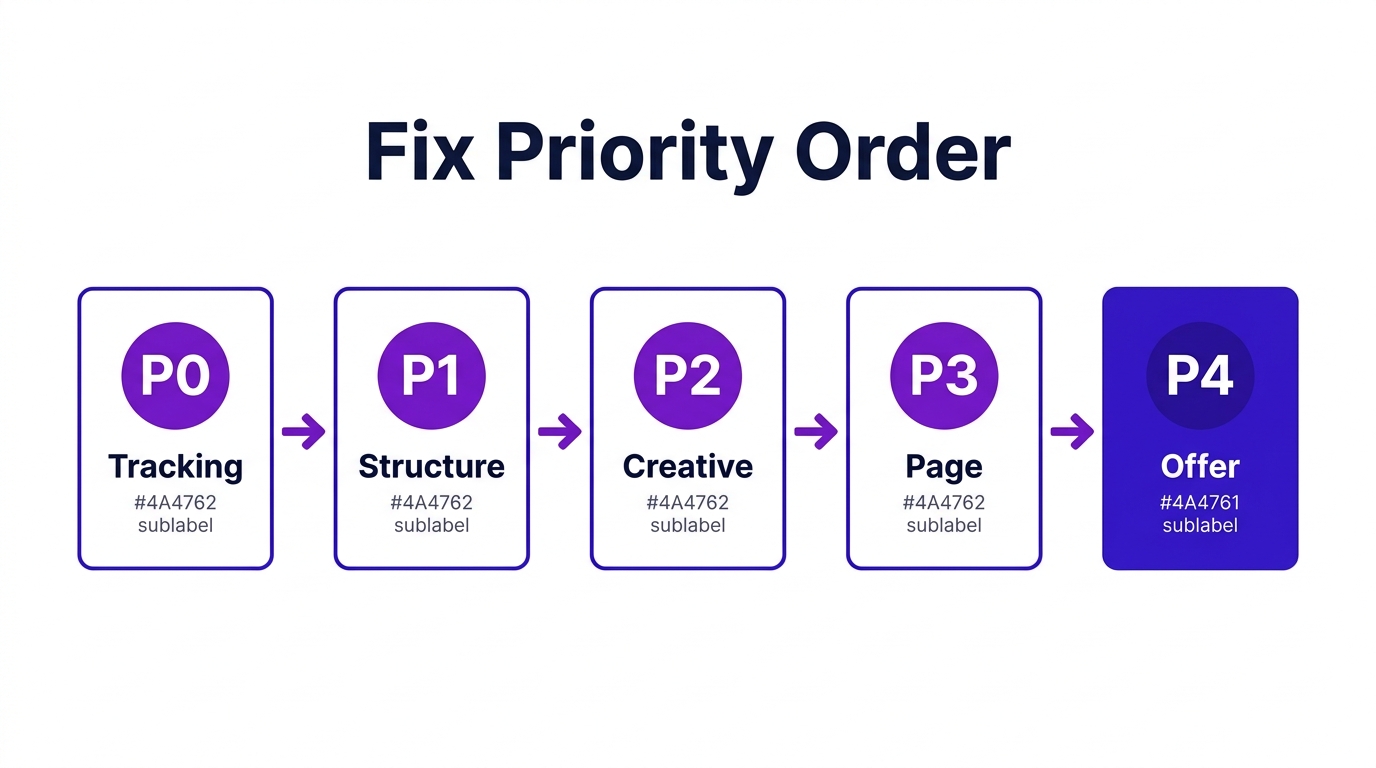
After you identify the likely reason, apply fixes in this order. Skipping ahead resets learning without fixing signal.
| Priority | Action block | Typical time to signal |
|---|---|---|
| P0 | Verify Pixel + CAPI + dedup (#1–2) | 24–48 hours |
| P1 | Fix optimization event + consolidate (#3–5) | 5–7 days |
| P2 | Refresh concept + reduce fatigue (#6–7) | 3–7 days |
| P3 | Page speed + message match (#8–9) | 3–5 days |
| P4 | Cold offer test (#10) | 7–14 days |
Do not run offer overhauls or audience rebuilds while P0 is unresolved — you will optimize on false zeros.
Minimum data rule: For $50–150/day campaigns, wait 7 days and at least 300–500 clicks on a cold ad set before declaring "not converting." Shorter windows confuse noise with failure.
FAQ
Why are my Facebook ads getting clicks but not converting?
Clicks only prove the ad won attention. Conversions require tracking integrity, a reachable landing page, message match, and an offer suited to audience temperature. Check Reasons #1, #8, and #9 first — they explain most click-heavy, conversion-light accounts.
How is «not converting» different from «no conversions»?
No conversions means zero or near-zero results in Ads Manager. Not converting includes weak or overpriced results — some purchases, but CPA too high. Zero-conversion funnels are diagnosed stage-by-stage in our no conversions guide.
How long should I wait before deciding ads are not converting?
For most accounts at $50–200/day, use 7 days and enough spend to generate at least 100–200 link clicks on the ad set you are judging. Single-day spikes are noise. Learning resets need 5–7 days after consolidation before you re-evaluate.
Can Facebook ads not convert because of targeting?
Yes, but it is usually Reason #7 or #10 — wrong creative angle or cold offer — not interest targeting alone. In 2026, broad and Advantage+ setups often outperform stacked interests when creative and post-click experience are strong.
Should I pause campaigns that are not converting?
Pause only when: (a) tracking is verified and (b) CPA is 50%+ above target for 7+ days, or frequency is above 4.0 with falling CTR. Do not pause during the first 72 hours after a tracking fix or budget consolidation — that is recovery time, not failure.
Do I need a full account audit?
If you plan to scale 20%+ or ROAS dropped for 3+ days, run a Facebook ads audit in parallel. The audit checks account-wide health; this list explains the ten most common conversion breaks.
How AdsGo Finds the Break Early
Manually cross-checking EMQ, LP view rates, frequency, and optimization events across campaigns takes hours — and by then spend already leaked.
Teams monitoring conversion health typically watch three classes: signal quality (events and match rates), post-click handoff (click-to-LP-view ratio), and creative stress (CTR and frequency vs baseline). Alerts fire on leading indicators, not after a full week of bad CPA.
AdsGo Ad Insight surfaces those classes in one view — which campaigns lose LP views, which creatives fatigue first, and where reported conversions diverge from trend.
AdsGo AI Optimization flags when optimization events are mismatched to volume and when frequency/CTR pairs cross thresholds — so you fix Reason #3 or #6 before pausing entire ad sets.
Pick one reason from the symptom table, fix through P0–P4 in order, and re-test for a full 7-day window. That beats cycling through ten unrelated tweaks in ten days.