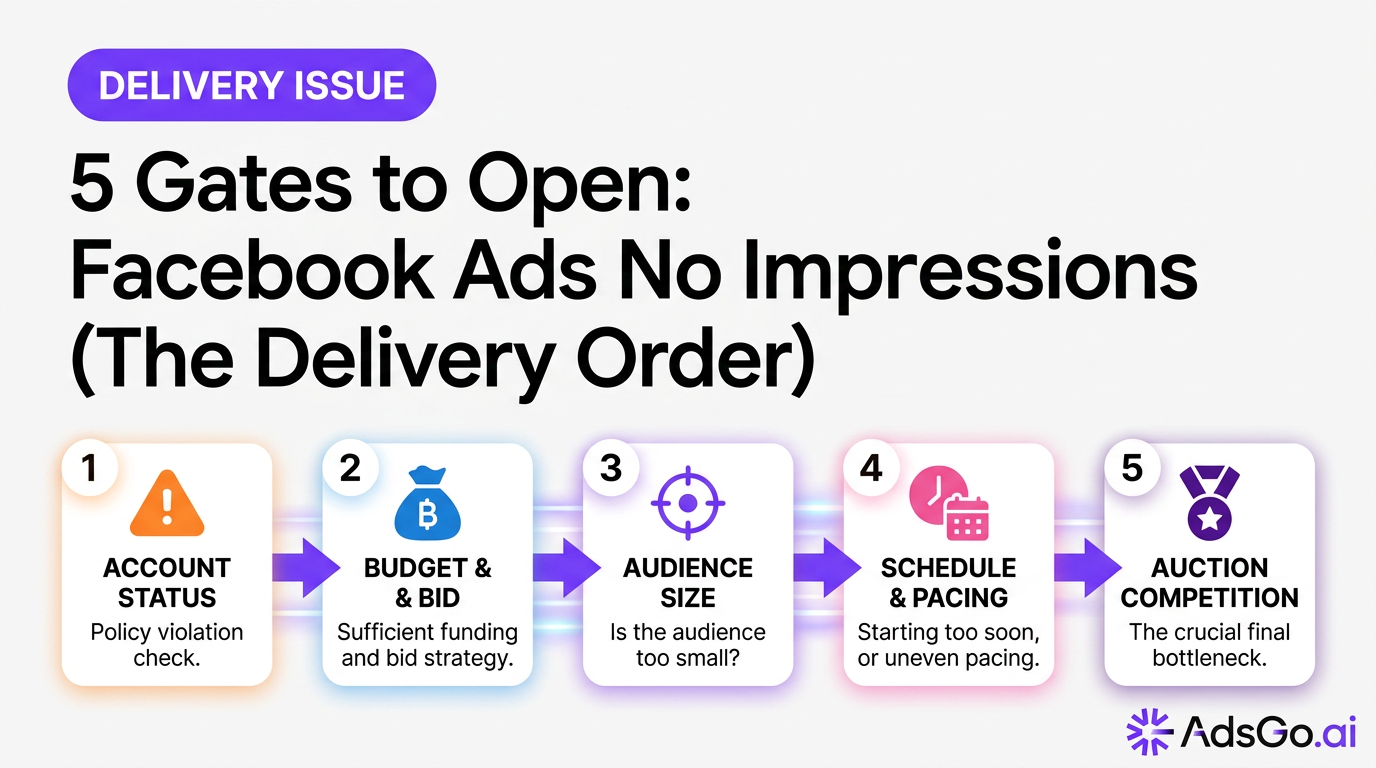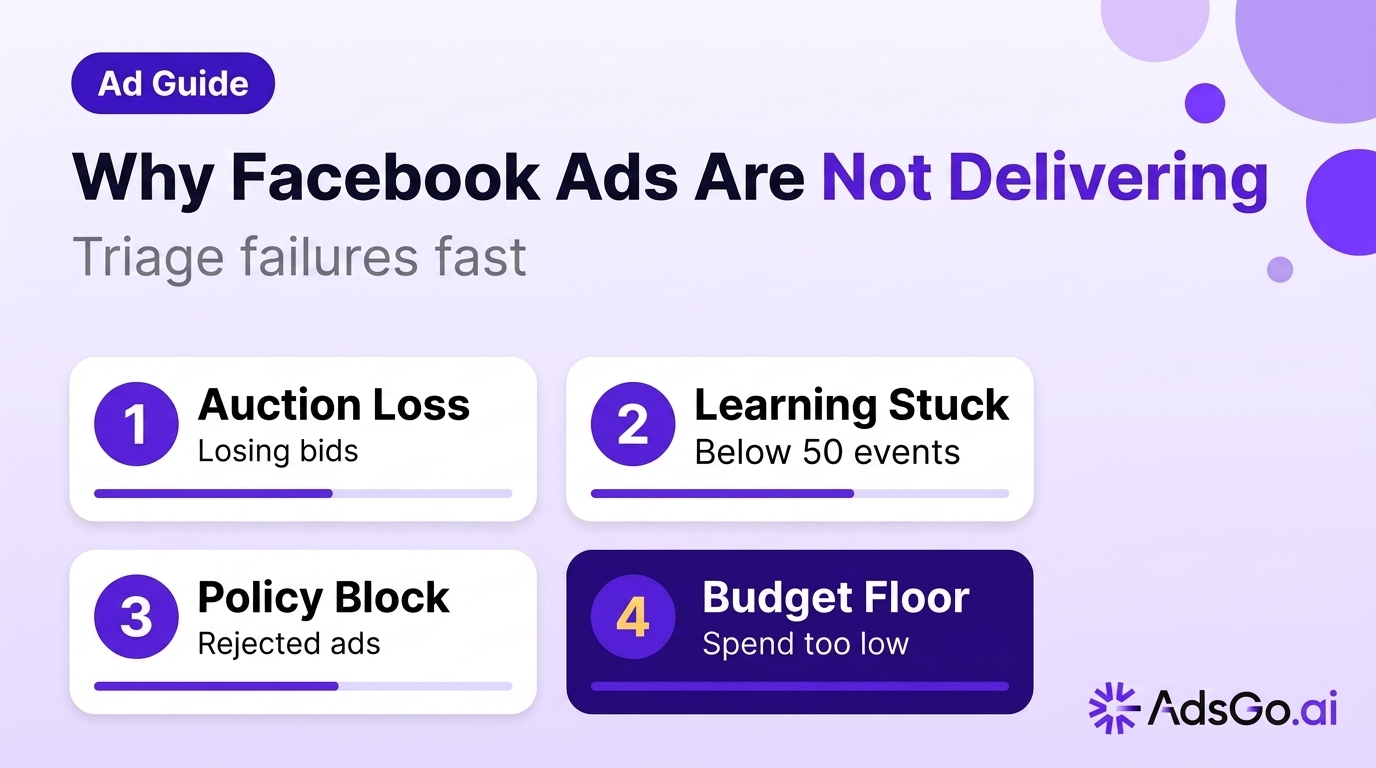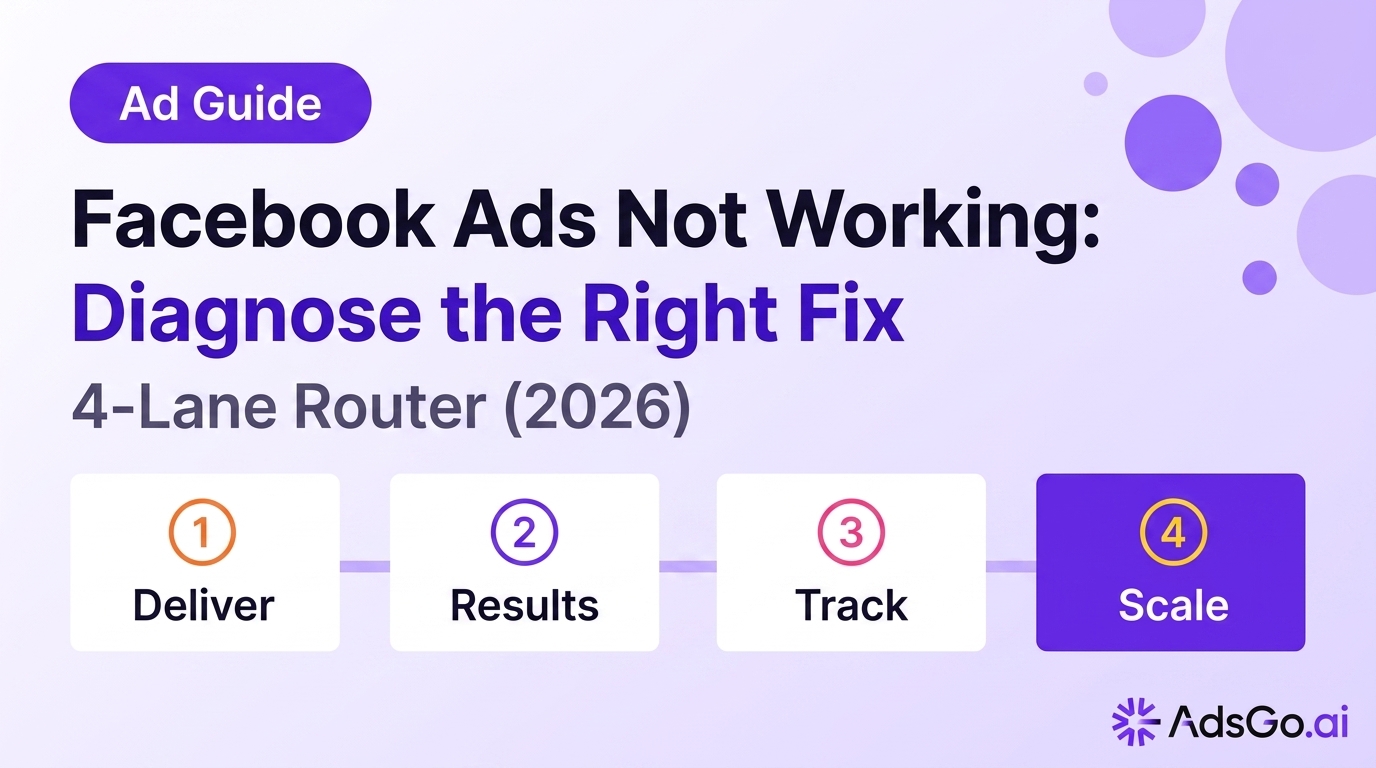

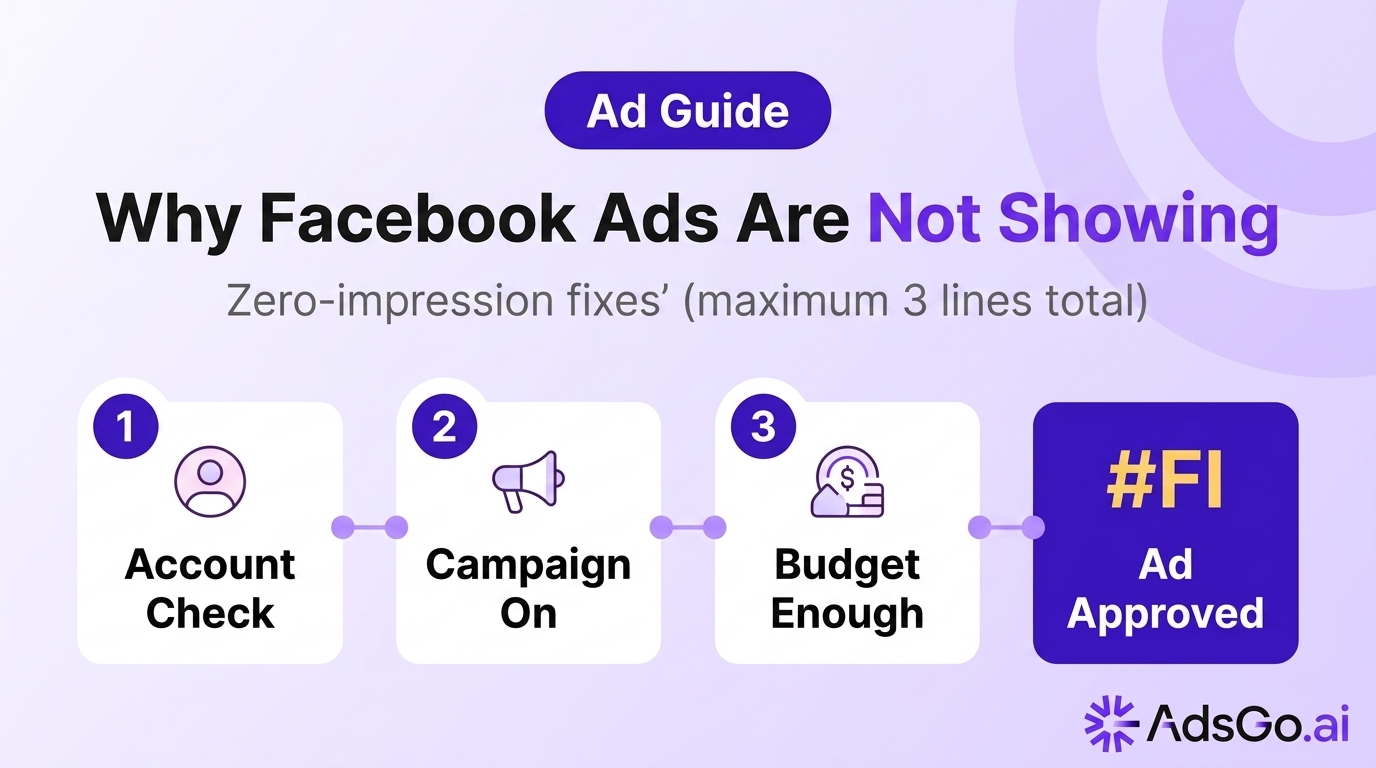
Zero impressions is the worst-case delivery scenario. Your campaign is live, budget is available, and the Ads Manager shows "Active" — but nobody is seeing your ads. The cause is almost never a single thing. It's almost always one of five root causes that blocks delivery at the system level before a single impression can fire.
This guide gives you the diagnostic tree to identify which block applies, and the activation checklist to resolve it.
Not Showing vs. Low Delivery
Before diving into root causes, confirm you're actually in a zero-impression scenario rather than low-delivery.
Zero impressions means your Reach metric shows 0 for the past 24 hours. The Ads Manager delivery column will typically show "Not Delivering" with a sub-status reason, or "Active" with zero reach.
Low delivery means impressions exist — maybe 50–100 per day against a $100 budget — but your campaign is heavily under-delivering relative to budget. The root causes and fixes for low delivery overlap somewhat, but the priority sequence differs.
If you have any impressions at all (even 10), you're in low-delivery territory. The fixes in this guide apply to true zero-impression scenarios first.
The No-Impression Root Cause Tree
Work through this diagnostic tree in sequence. Each node represents a block that prevents impressions from firing:
Node 1: Is the Account Active?
Go to Meta Business Suite → Account Quality. Check your Ad Account status. Any of these statuses cause complete delivery stop:
- Account Disabled: All campaigns, regardless of status, stop immediately. This happens after repeated policy violations or suspicious payment patterns.
- Payment Method Declined: All campaigns pause when Meta's billing attempt fails. Check Billing → Payment Activity for failed charges.
- Account Under Review: Meta occasionally places accounts under manual review for unusual activity. During review, delivery is suspended.
If any of these apply, no campaign-level fix will restore delivery. Resolve the account issue first.
Node 2: Is the Campaign, Ad Set, and Ad All Active?
Check the status at all three levels: Campaign → Ad Set → Ad. All three must be active simultaneously for delivery to occur. A paused campaign stops all ad sets within it, regardless of their individual status.
Common mistake: campaigns scheduled with a future start date appear "Active" in status but don't deliver until the start date arrives. Check campaign schedule settings.
Node 3: Is the Budget Sufficient?
A budget set below Meta's minimum delivery threshold produces zero impressions. For most placements and objectives, the practical minimum is $5–10/day. Budgets below this level may not generate a single winning auction bid.
For campaigns using Lifetime Budget: check whether the budget has been fully consumed. A lifetime budget campaign that has spent its total allocation shows "Active" in status but delivers zero impressions.
Node 4: Are the Ads Approved?
A single rejected ad in an ad set doesn't stop other ads from running. But if every ad in an ad set is rejected, the ad set shows zero impressions. Check each ad's individual status. Rejected ads show a red "Not Delivering" badge with a violation reason.
If all ads are rejected in all ad sets of a campaign, the campaign shows zero impressions even though the campaign-level status shows "Active."
Node 5: Is the Audience Accessible?
Your targeting settings may be creating an audience with zero eligible users:
- Date of birth targeting too narrow: Restricting to an age range of 1–2 years creates near-zero eligible audiences.
- Layered Interest + Location + Behavior exclusions: Multiple overlapping restrictions can eliminate the entire eligible audience.
- Custom audience upload issue: A custom audience upload that failed or whose source list has fewer than 100 matched users (Meta's minimum for custom audience delivery) produces zero delivery.
- Excluded audience too large: If your exclusion list overlaps heavily with your target audience, the net eligible pool may be effectively zero.
Check the Audience indicator in your ad set. If it shows "Too Small" or an estimated daily reach of under 1,000, the audience itself is the block.
Node 6: Is the Delivery Schedule Correct?
Campaigns and ad sets can be scheduled to run during specific hours or date ranges. If the delivery schedule is set to a future date, or if the "run on schedule" option is set to hours that have already passed for the day, you'll see zero impressions for the current window.
Check: Ad Set → Budget & Schedule → Run Ads on a Schedule. Confirm the time zone in the schedule matches your expectation.
Ready to Launch Smarter Campaigns?
How Meta sequences checks
Meta's delivery system runs through a sequential eligibility check before any impression is served:
- Account eligibility (payment, policy standing, account status)
- Campaign-level eligibility (active status, budget available, within schedule)
- Ad set eligibility (active status, approved ads present, audience valid)
- Ad eligibility (approved, creative meets spec, destination URL returns 200 status)
- Auction bid (bid sufficient to win, predicted action rate above threshold)
A block at any level prevents all impressions from that level downward. Account-level blocks stop everything. Ad-level blocks stop only the specific ad, allowing others in the same ad set to run.
This sequence explains why "Active" campaign status doesn't guarantee delivery — the campaign cleared check #2, but may be blocked at #3, #4, or #5.
Activation checklist (12 steps)
Work through this checklist from top to bottom. Check each item before moving to the next.
Account level:
- Ad Account status is "Active" in Account Quality
- Most recent payment charge succeeded in Billing → Payment Activity
- No ongoing account review or restriction flags
Campaign level:
- Campaign status is "Active" (not Paused, Draft, or Scheduled)
- Campaign start date is today or in the past
- Campaign budget is greater than $10/day (or equivalent)
- Campaign end date has not passed (check Lifetime budget campaigns)
Ad Set level:
- Ad set status is "Active"
- At least one approved ad exists in the ad set
- Estimated audience size is above 50,000
- Delivery schedule is not restricted to past hours
Ad level:
- All ads show "Active" status (not "In Review" or "Rejected")
- Destination URL returns a live page (test the link directly in a browser)
Completing this checklist identifies the specific block in 95%+ of zero-impression cases.
Facebook ads not showing to your audience? AdsGo surfaces delivery issues before they waste your budget. → Try AdsGo free
Using AdsGo to Monitor Delivery Health at Scale
Manually running through this 12-point checklist across 20 campaigns and 60 ad sets is a significant operational overhead — and most advertisers only do it after a delivery problem has already cost them a day of budget.
AdsGo's ads manager monitors delivery status across all Meta campaigns in real time, proactively flagging ad sets that drop to zero impressions. When delivery stops, AdsGo identifies which node in the root cause tree is responsible and surfaces the fix before the next campaign review cycle.
AdsGo's AI optimization also tracks Estimated Action Rate signals and audience size trends, flagging ad sets that are approaching zero-impression territory before they fully stop — giving you a window to intervene during low delivery rather than after complete stop. (based on AdsGo internal campaign data)
FAQ
Why are my Facebook ads showing "Active" but getting zero impressions?
"Active" only means the campaign and ad set status are set to Active — it doesn't confirm delivery. Zero impressions despite "Active" status usually means: all ads within the ad set are rejected, the audience is too small or fully excluded, the budget is below the minimum delivery threshold, or the ad set is scheduled for a time window that's not currently active.
My Facebook ads worked fine yesterday and now show zero impressions — what happened?
Sudden shifts from delivery to zero impressions usually indicate: a payment failure (Meta's billing cycle hit a failed charge), an ad was re-reviewed and rejected after previously being approved, or the campaign's lifetime budget was fully consumed. Check Billing and Account Quality first.
How small is too small for a Facebook audience?
Meta's practical minimum for consistent delivery is around 50,000 people. Audiences under this threshold may deliver sporadically or not at all. Custom audience retargeting lists must have at least 100 matched users before Meta will serve any ads. If you need to reach a very small specific audience, use broader targeting with a demographic filter rather than a narrow custom audience.
Can a slow or broken landing page cause zero impressions?
Indirectly, yes. If your landing page returns an error code (404, 500) when Meta's review system scans it, your ad may be rejected or paused. After fixing a broken landing page, you'll typically need to resubmit the ad for review. Test your destination URL directly in a browser before submitting new ads.
Does Facebook notify me when my ads stop showing?
Meta sends email notifications for payment failures and account restrictions. It does not send notifications for zero-impression scenarios caused by ad rejections, audience issues, or scheduling conflicts. This is why proactive delivery monitoring — either manual checks or a tool like AdsGo — is necessary for campaigns where continuous delivery matters.