
Campaign status says Active. Delivery says Not Delivering. Yesterday you had 400 impressions; today you have twelve. Or spend is flowing but nothing in Shopify matches Ads Manager.
Facebook ads not working is the umbrella complaint — but it maps to four different failure lanes. Fixing the wrong lane costs a week: you rewrite creative while the account is payment-blocked, or you pause campaigns for "fatigue" when the Pixel never fired Purchase.
In this guide, you will identify your lane in under ten minutes, apply the first fix for that lane only, and jump to the deep-dive article that matches your symptom.
What Facebook Ads Not Working Means
Facebook ads are not working when the outcome you expect — impressions, tracked events, or profitable results — stops happening for 24+ hours at normal budget, and the Ads Manager Delivery column or backend data confirms a real break, not a one-day fluctuation.
"Not working" is broader than "not delivering" or "not converting." It is the first question advertisers ask before they know which subsystem failed: auction delivery, on-site conversion, signal quality, or economics.
Not Working vs Narrower Problems
| You say… | Usually means | Best next read |
|---|---|---|
| Ads not working | Not sure which layer failed | This 4-Lane Router |
| Not delivering / no spend | Auction or account block | Why ads are not delivering |
| Not showing / zero reach | Hard stop before impressions | Why ads are not showing |
| Not converting | Clicks without purchases | Why ads are not converting |
| Pixel not working | Events missing or wrong | Facebook Pixel fix guide |
| ROI / ROAS collapsed | Profit or efficiency drop | Facebook ads ROI low fix |
Pick one primary symptom. If two lanes match, use the priority rule in the router below — delivery before tracking before results economics.
Ads stuck and you are not sure why?
Why Facebook Ads Look Broken
Most "not working" panics in 2026 fall into four clusters — not forty.
Account and policy blocks stop delivery entirely: unpaid balance, ad rejection, unpublished Page, or spending limit hit. You will see error icons in the Delivery column or "Update required" on the ad set (Source: Meta Business Help, 2025).
Signal and tracking gaps make working ads look broken: Pixel-only setups, missing CAPI, or Event Match Quality below 6.0. Ads Manager under-reports conversions even when sales happen — so you cut budget on false zeros.
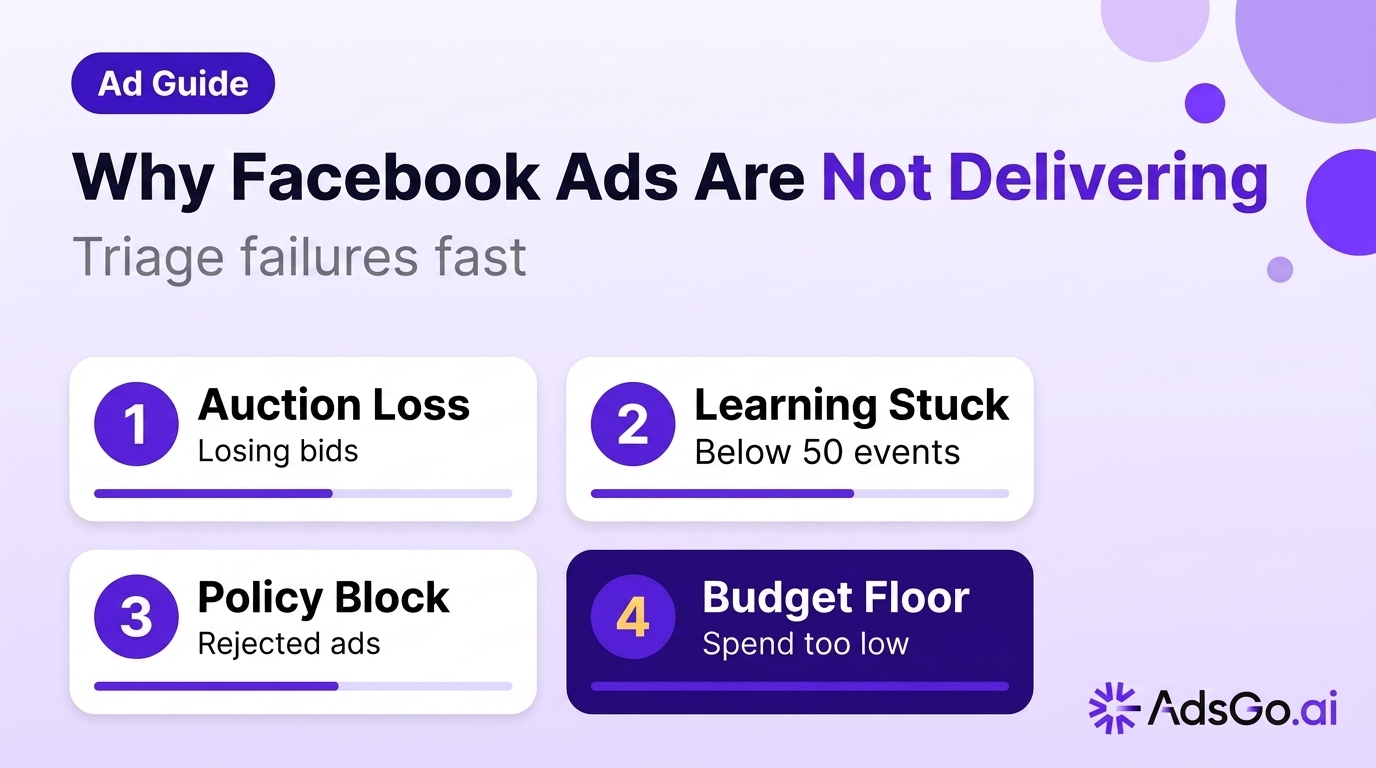
Learning and structure friction causes unstable delivery: budgets split across ten ad sets, edits every 48 hours, or fewer than ~50 weekly optimization events per ad set. Meta re-enters learning after significant edits — budget jumps, targeting changes, or optimization event swaps (Source: Meta learning phase help, 2025).
Creative and offer weakness shows up as "working but useless": impressions exist, CTR is weak, or retargeting ROAS masks cold losses. The platform is running; the system you built is not.
Frequent account edits make every lane look broken at once. Changing targeting, optimization events, or budgets by more than ~20% can push ad sets back into learning — CPAs swing 20–50% until events restack (Source: Meta learning phase help, 2025). If you edited three things this week, pause new changes for five days and re-test lane routing before another rebuild.
The 4-Lane Fix Router
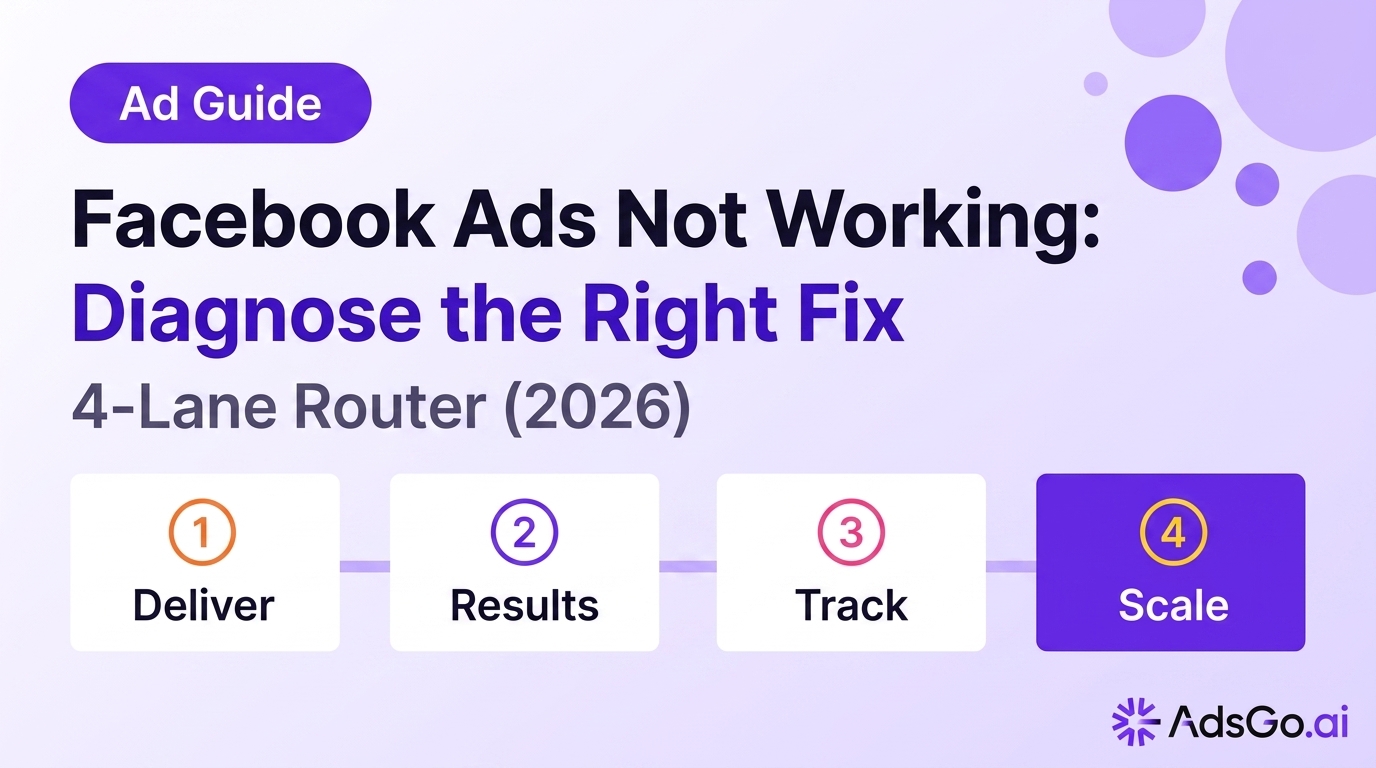
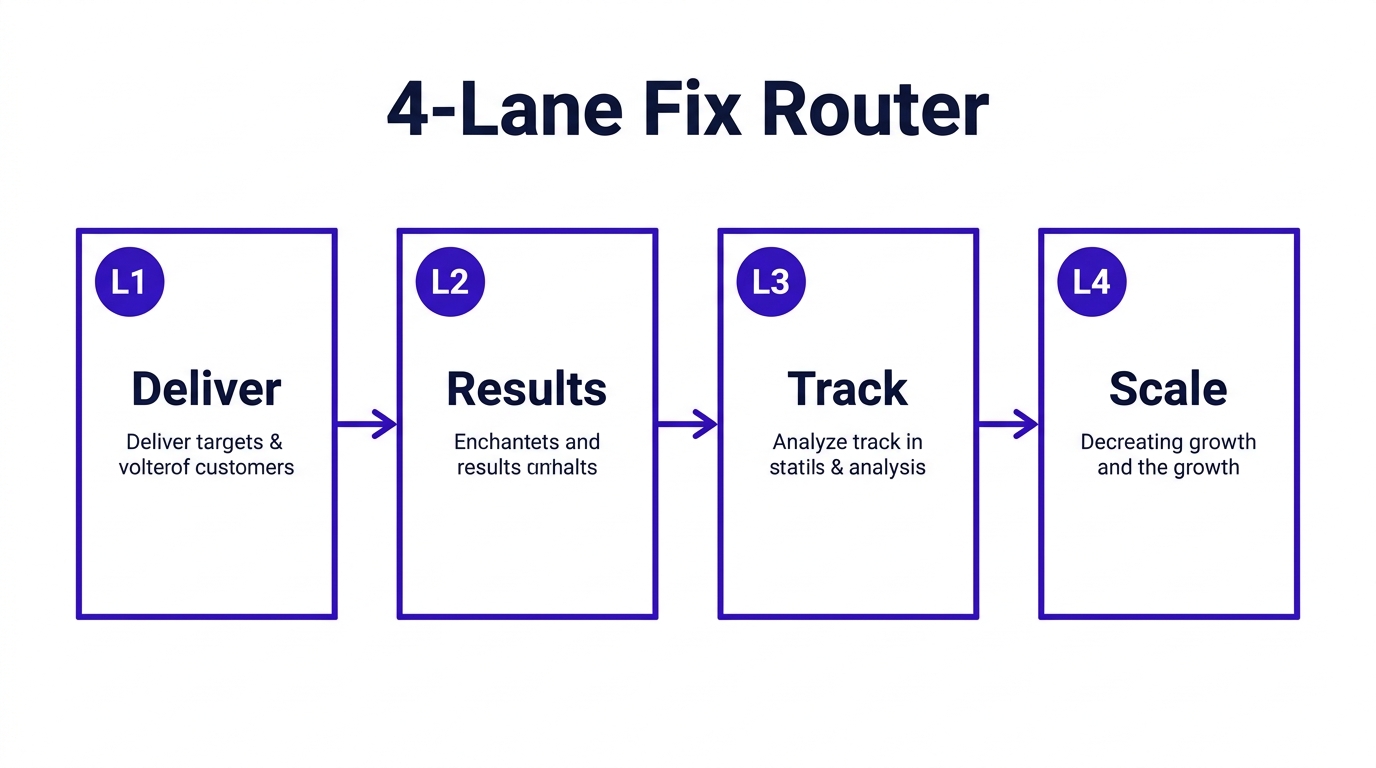
The 4-Lane Fix Router (4LFR) routes symptoms to the first fix — not every fix at once.
| Lane | Symptom in plain English | First action (10 min) | Deep guide |
|---|---|---|---|
| L1 — Delivery | No or near-zero impressions / spend | Read Delivery column + billing | Not delivering |
| L2 — Results | Spend OK, sales/leads flat | Check LPV rate + offer match | Not converting |
| L3 — Tracking | Orders in store, none in Ads Manager | Test Purchase + EMQ | Pixel fix guide |
| L4 — Performance | Reports weak but delivery fine | MER vs platform ROAS | ROI low fix |
Priority when multiple lanes flash red: L1 → L3 → L2 → L4. Delivery and tracking distort everything downstream.
Fix Lane by Symptom
Work one lane per cycle. Do not change creative, audiences, and Pixel on the same afternoon — you will reset learning and never know which fix helped.
L1 — Delivery Lane
Open Ads Manager → Campaigns → Delivery column.
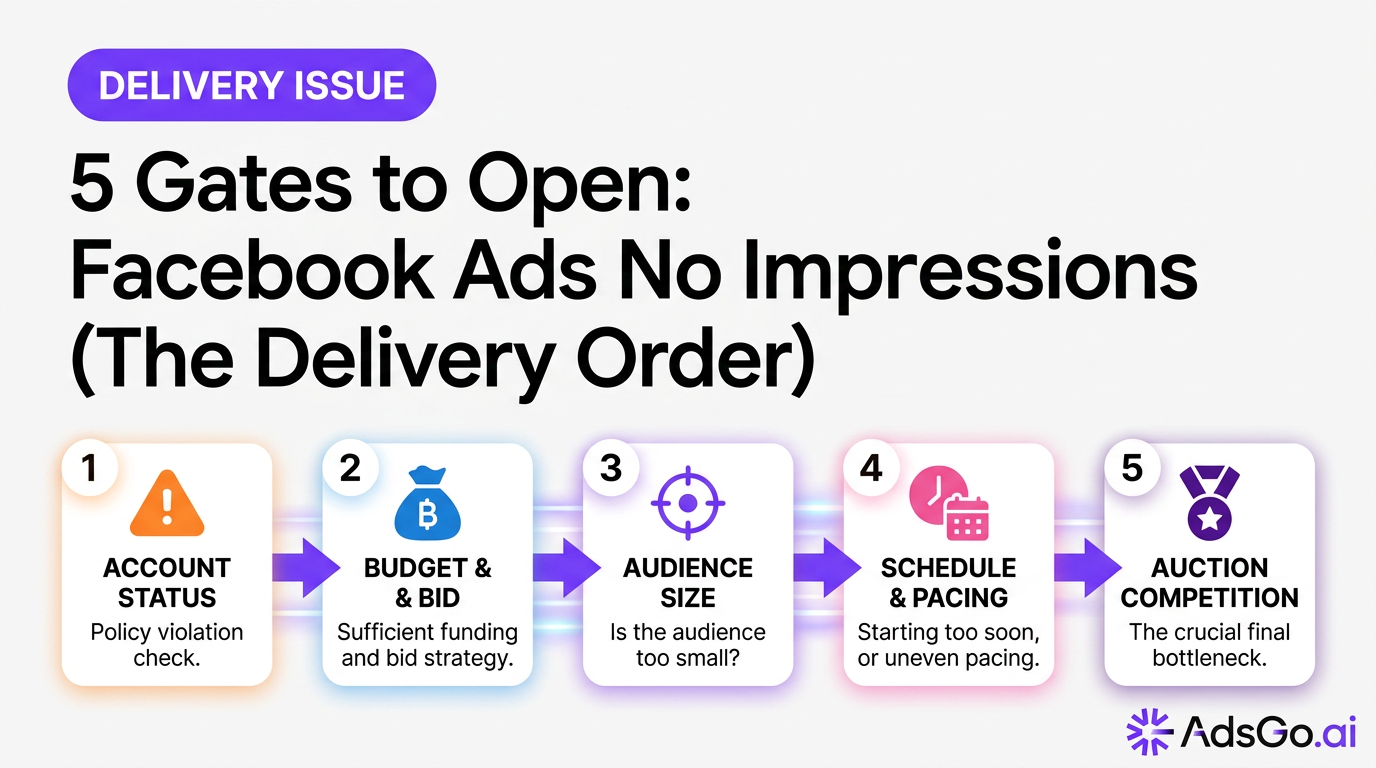
Hover every warning icon. Common codes map to: payment due, ad rejected, audience too narrow, budget below minimum delivery, or scheduled end date passed. Turn on any ad set you accidentally paused; confirm account spending limit is not capped below daily ad set budgets.
If Delivery says Active but spend is $0 with reach 0, you are closer to a not showing problem than a creative problem — start there.
Minimum spend sanity: many Purchase-optimized ad sets need roughly 5× target CPA per day to exit learning; $8/day on a $40 CPA target often looks like "ads not working" when it is underfed data.
L2 — Results Lane
Confirm you have 100+ link clicks on the judging ad set in seven days before calling conversion dead.
Check landing page view rate (LP views ÷ link clicks). Below ~70% points to speed or message mismatch — not audience magic. Match headline and offer above the fold to the ad.
If cold CPA is terrible but retargeting ROAS looks fine, you may be "working" only on warm pools. Read not converting for the ten-reason priority matrix.
L3 — Tracking Lane
Events Manager → Test Events → trigger Purchase on your site. No fire in 60 seconds → Pixel/CAPI path is broken before you touch ads.
Verify Conversions API is live, event_id deduplicates with browser events, and EMQ on Purchase is at or above 6.0. Run how to track Facebook ads conversions if setup is incomplete.
If Shopify shows sales and Ads Manager shows none for 48 hours at real spend, stay in L3 until fixed — do not scale or rebuild audiences on bad signal.
L4 — Performance Lane
Compare MER (total revenue ÷ total paid spend) to Meta ROAS for the same week. MER stable + ROAS down 20% often means reporting drift, not business collapse.
If MER and profit both fell, run Facebook ads audit before budget cuts. Cutting prospecting on a reporting-only dip can shrink new customers for 30+ days.
Cold prospecting with feed CTR below 0.8% for seven days is usually L2/L4 creative or offer stress — not a mysterious "Meta bug." Retargeting-only accounts often report "ads work" until TOF is turned off and revenue stalls three weeks later; that is funnel balance, not platform failure. See Facebook ads funnel strategy when L4 points to stage overlap.
When Two Lanes Light Up
| Combo | What it usually means | Order |
|---|---|---|
| L1 + L3 | Account active but events dead | Fix billing/delivery block, then Pixel |
| L3 + L2 | Tracking gap hides conversions | L3 first 48h, then L2 offer/page |
| L2 + L4 | Real demand problem | L2 message/offer, then L4 economics |
Never run a creative refresh (L2) while Purchase events are missing (L3) — you will optimize on the wrong signal.
Ads Manager Status Guide
Use this table when the Delivery column message is vague.
| Status / icon | Meaning | Lane |
|---|---|---|
| Active + spend | Auction running | L2 or L4 if results weak |
| Not Delivering | Blocked or losing auction | L1 |
| In review | Normal 24h wait | L1 — wait before edits |
| Rejected | Policy or creative issue | L1 — edit and resubmit |
| Learning / Learning Limited | Insufficient events | L1/L2 — consolidate budget |
| Update required | Broken link, Page, or product | L1 — fix asset |
After any fix, wait 24 hours on L1 and L3 before declaring failure. Learning resets need 5–7 days on L2/L4 structural changes.
Billing and Account Checks (L1)
Before you assume the algorithm broke:
- Confirm payment method is valid and no account spending cap blocks daily delivery
- Check for disabled payment threshold or unsettled charge
- Verify ad account is not restricted (Policy tab / Account Quality)
- Confirm Page is published and Instagram account is connected if using IG placements
These checks take five minutes and resolve a large share of "nothing is running" tickets without touching creative.
How AdsGo Catches Failures Early
Manually jumping between Billing, Events Manager, and campaign tabs is how teams mis-route lanes — they treat a tracking gap like a creative emergency.
AdsGo Ads Manager centralizes Meta campaign status with delivery and spend context so you see L1 blocks without opening five tabs. Pair it with AI Optimization for L4 signals — frequency/CTR stress and event-health patterns that precede "suddenly not working" weeks.
Workflow: route with 4LFR → fix one lane → wait one full measurement window → only then open the deep-dive guide for that lane.
FAQ
Why are my Facebook ads not working all of a sudden?
Sudden stops are usually L1 (billing, rejection, pause, schedule) or L3 (Pixel/CAPI break after a site change). Check Delivery column and Test Events before changing creative.
Are Facebook ads not working because of Meta outage?
Platform-wide outages are rare; most issues are account-specific. Confirm billing, ad approval status, and Delivery sub-status on your ad set first.
Facebook ads not working but still charging — what now?
Spend with zero useful results often means delivery is fine (L2/L4) — weak offer, wrong optimization event, or tracking not crediting sales. Verify Purchase fires, then LPV rate and MER.
How is not working different from not delivering?
Not delivering is L1 — the auction is blocked or starved. Not working is the generic symptom; use 4LFR to see if the real issue is delivery, tracking, conversions, or profit.
Should I create a new campaign when ads stop working?
Only after you know the lane. New campaigns reset learning. Fix L1/L3 first; on L2/L4 consolidate existing ad sets before duplicating structure.
How long should I wait after a fix?
L1 payment or policy fixes: 24 hours. L3 tracking: 48–72 hours for Purchase volume. L2/L4 creative or offer tests: 7 days at meaningful spend before judging.