
Your campaign is live, budget is set, and your ads show zero impressions. Or they delivered 200 impressions yesterday and nothing today. Facebook ads not delivering is one of the most common — and most misdiagnosed — problems advertisers face.
The root cause matters enormously. Treating an auction failure the same way you'd treat a policy block wastes hours. This guide maps out every delivery failure type, assigns it a severity level, and gives you the exact fix path for each.
Not Delivering vs. Low Delivery
Most guides treat "not delivering" as a single problem. It isn't. There are two meaningfully different states:
Zero delivery means your ads received no impressions in the last 24 hours. The auction is not bidding at all, or your ads are blocked from entering.
Low delivery means impressions exist but are dramatically below your budget's potential — often 10—0% of expected reach. The system is bidding, but losing most auctions or throttling spend.
The distinction matters because the fix paths diverge completely. Zero delivery almost always points to a hard block: account issue, policy rejection, or budget floor not met. Low delivery usually points to auction pressure, audience saturation, or suboptimal bidding strategy.
Check your Ads Manager delivery column first. If it reads "Not Delivering," look for the sub-status label — Meta provides a reason in most cases. If it reads "Active" but spend is near zero, you're dealing with low delivery, not a full stop.
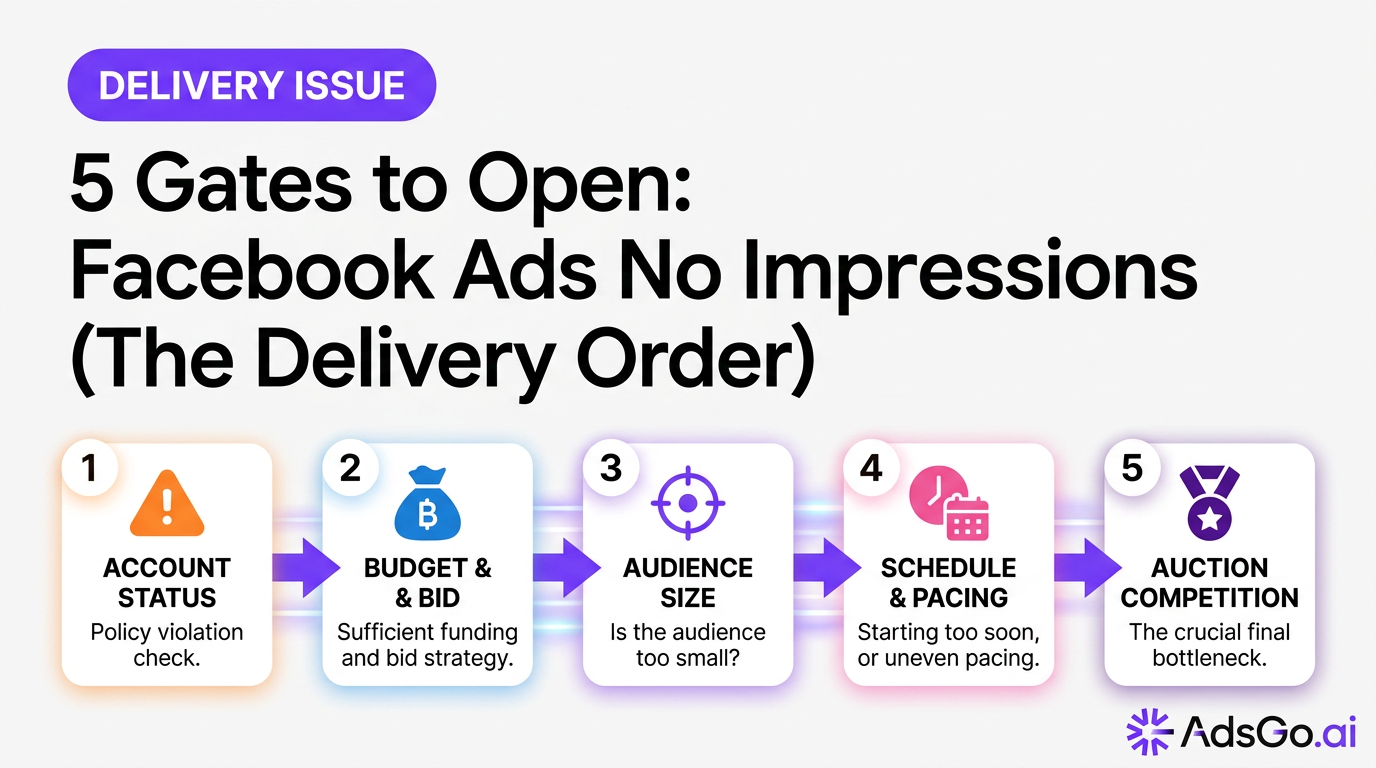
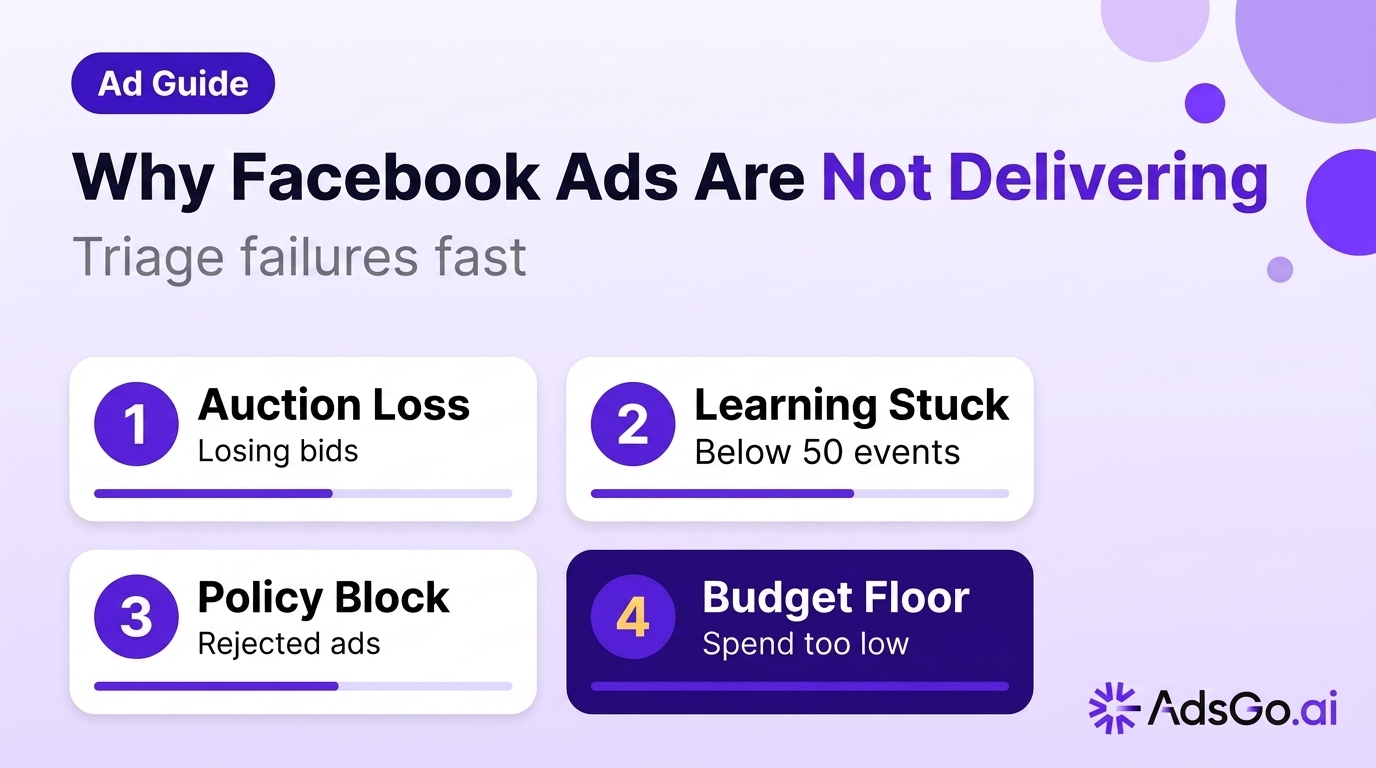
The 5 Root Causes of Facebook Ads Not Delivering
Auction Failure
Your ad enters the auction but loses every bid. This is the most common cause of low delivery and a frequent contributor to zero delivery in high-competition niches.
Meta's auction weighs three factors: your bid, your estimated action rate (how likely users are to complete your objective), and your ad quality score. If your bid is too low relative to competitors, or if Meta predicts low action rates based on your creative and audience match, you lose auctions before a single impression is served.
How to identify it: Navigate to Ads Manager → your ad set → Delivery Insights. Check "Auction Overlap" and "Estimated audience size." If your bid is at the floor and your audience is heavily contested, auction failure is likely.
Learning Phase Stuck
New or recently edited campaigns enter a learning phase where Meta's algorithm explores delivery patterns. During learning, delivery is intentionally inconsistent — Meta is testing different audience sub-segments, times, and placements to find efficient delivery paths.
A campaign stuck in learning (showing "Learning" status for more than 7 days without reaching 50 optimization events) will never stabilize. It delivers erratically and burns budget inefficiently.
How to identify it: Ads Manager shows "Learning" next to your campaign status. If it's been more than 7 days without 50+ conversion events (or the equivalent for your objective), you're stuck.
Policy Limitation
Meta rejected one or more of your ads for policy violations. Common triggers include prohibited content categories (financial products, health claims, before/after images), restricted targeting (political, housing, employment), or landing pages that don't match the ad's implied offer.
A single rejected ad in an ad set doesn't stop other ads from delivering, but a rejected ad set stops all ads within it.
How to identify it: Ads Manager shows a red "Not Delivering" badge with a sub-status of "Ad Rejected" or "Restricted." Check the Account Quality dashboard for a full list of flagged items.
Budget Constraint
Your daily budget is set too low relative to the minimum threshold Meta requires to generate meaningful delivery. As of 2026, Meta recommends a minimum daily budget of at least 2× your target CPA. Budgets set below roughly $15–20/day often fail to generate even one auction bid per day.
Campaign-level budget (CBO) constraints can also cause individual ad sets to receive near-zero allocation if one ad set dominates performance.
How to identify it: Your spend equals 0 or is less than 10% of your daily budget. Check whether your bid cap or cost cap is set below realistic auction clearing prices for your audience.
Audience Saturation
Your target audience has seen your ads enough times that Meta's frequency cap, combined with declining predicted action rates, causes the system to throttle delivery. This is distinct from creative fatigue — saturation is an audience-level problem, not a creative-level one.
Small, highly-targeted audiences (under 100K) are most vulnerable. Once saturation hits, even increasing budget doesn't restore delivery — there simply aren't enough eligible users left to bid on.
How to identify it: Your frequency metric is above 4.0 in the past 7 days, reach has plateaued, and increasing budget has no effect on impressions.
Ready to Launch Smarter Campaigns?
Severity Classification: Prioritizing Your Fix
Not every delivery problem is equally urgent. Use this framework to triage before acting.
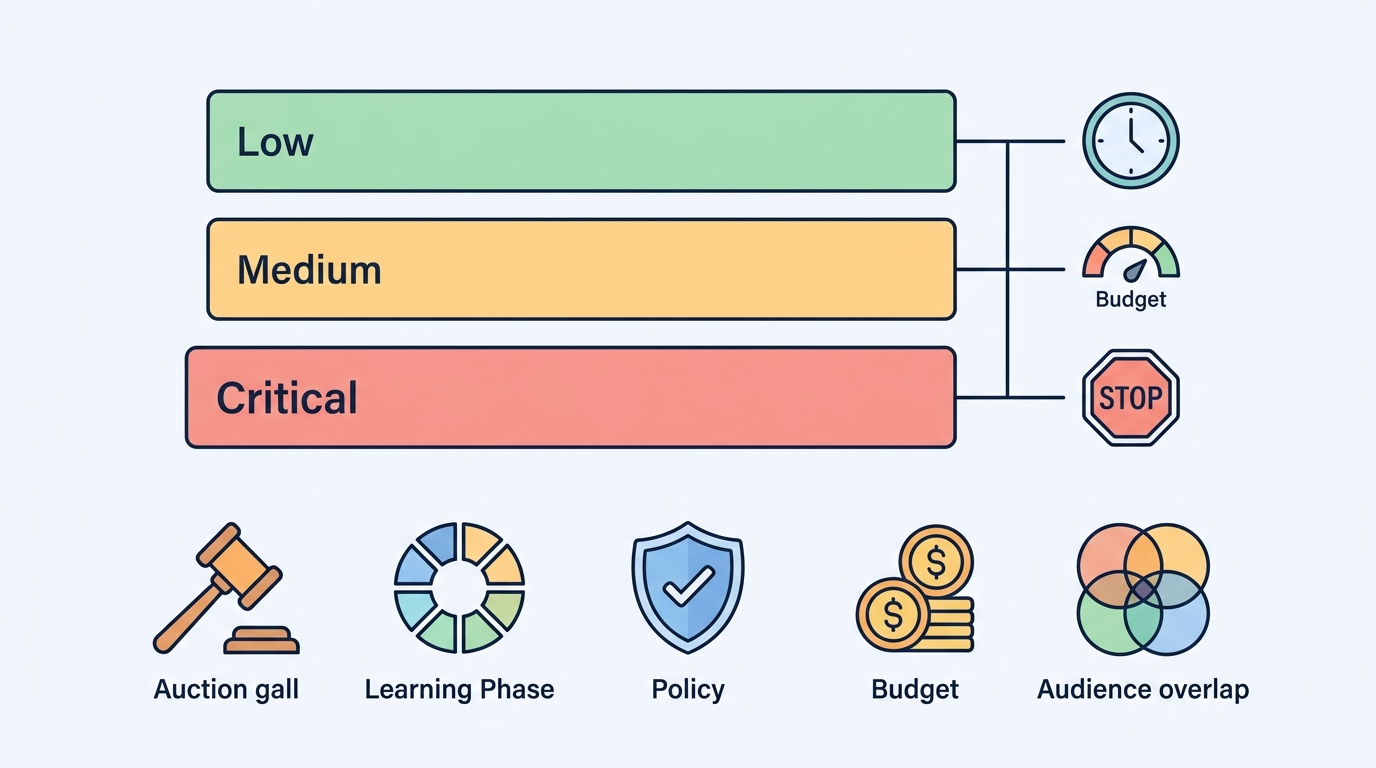
Severity Levels
| Severity | Delivery Status | Budget Impact | Time to Fix |
|---|---|---|---|
| Critical | Zero impressions for 24+ hours | 100% budget lost | Immediate action |
| Medium | Delivering at less than 30% of budget | 70%+ budget wasted | Fix within 12 hours |
| Low | Delivering at 50–60% of budget | Moderate inefficiency | Address within 48 hours |
Critical (fix today): Policy rejection, account-level restriction, payment failure. These create hard stops that no amount of bidding or budget adjustment will overcome. Every hour you delay is budget fully wasted.
Medium (fix this session): Auction failure with a hard bid cap, learning phase stalled past day 10, audience under 50K with frequency above 5. These are solvable but require structural changes to your campaign.
Low (optimize this week): Broad audience saturation, minor bid gap causing 20–30% delivery loss, CBO imbalance starving one ad set. Performance is degraded but not stopped.
Fast Diagnosis Flow
Follow this decision tree before touching any campaign settings:
Step 1: Check delivery status label. If Ads Manager shows a specific reason (Ad Rejected, Account Disabled, Payment Issue), go directly to the corresponding fix. Don't troubleshoot auction settings if the problem is a policy block.
Step 2: Check Account Quality. Go to Meta Business Suite → Account Quality. Any red flags here override everything else — account-level restrictions prevent all campaigns from delivering.
Step 3: Check budget vs. spend ratio. If spend is 0–10% of budget, confirm payment method is valid, then check bid settings. A cost cap set at $5 in a $15 CPA market means you lose every auction.
Step 4: Check learning status. If the campaign is less than 7 days old and in learning, wait. If it's past day 7 with fewer than 50 events, intervention is needed.
Step 5: Check audience size and frequency. Audience under 100K with frequency above 3.5 in 7 days = saturation. Audience above 1M with zero delivery = auction or policy issue, not saturation.
Fix Paths by Severity
Critical: Policy and Account Fixes
For ad rejections, read the specific policy violation cited in Account Quality. Don't guess — Meta's rejection reasons are specific. Common fixes: remove before/after images, soften health-related claims ("may help" vs. "will cure"), ensure the landing page matches the ad's offer exactly.
For account-level restrictions, submit an appeal through the Account Quality dashboard. If the restriction is due to unusual payment activity, verify your payment method and contact Meta Business Support directly.
Medium: Auction and Learning Phase Fixes
For auction failure, adjust in this order: (1) Remove bid caps entirely and let Meta optimize on cost, (2) Expand audience by 2–3× to reduce competition density, (3) Improve creative CTR — a higher action rate compensates for a lower bid in the auction formula.
For learning phase stalled past day 7: consolidate ad sets (combine 3 small ad sets into 1 larger one to pool conversion data), switch to a higher-volume optimization event (from Purchase to Add to Cart if purchases are under 10/week), or increase budget by at least 20% to accelerate learning.
Low: Saturation and Budget Rebalancing
For audience saturation: expand to a Lookalike 2–3% audience, add new Interest layers, or pause the saturated ad set and let frequency reset over 2–3 weeks. Don't kill the campaign — just rotate the audience.
For CBO imbalance: set minimum spend floors on starved ad sets, or break the campaign into separate ad sets with ABO to guarantee each gets budget.
Ads not delivering despite being active? AdsGo diagnoses delivery failures and flags the exact cause. → Try AdsGo free
How AdsGo Automates Delivery Diagnosis
Manually tracking five root causes across multiple campaigns is time-consuming and reactive. AdsGo's AI optimization engine monitors delivery health across all your Meta campaigns in real time, flagging auction failures, learning phase stalls, and saturation signals before they become Critical-severity problems.
The platform surfaces delivery warnings directly in your campaign dashboard with actionable recommendations — not just alerts. When AdsGo detects an ad set entering extended learning without sufficient conversion volume, it automatically suggests consolidation or objective switching before you lose a full week of budget.
For teams managing 10+ campaigns simultaneously, this kind of automated delivery monitoring through AdsGo's ads manager reduces manual audit time by 60–70% while catching issues that manual spot-checks miss. (based on AdsGo internal campaign data)
FAQ
My Facebook ads show "Active" but aren't spending — what's going on?
"Active" means Meta isn't blocking your ads at the policy or account level, but it doesn't guarantee delivery. The most common causes of active-but-zero-spend: bid cap too low to win any auction, audience too small after all targeting exclusions are applied, or campaign in learning with insufficient conversion data to establish delivery patterns.
How long should I wait before troubleshooting a new campaign?
Give new campaigns 24–48 hours before intervening. During the first day, Meta's system is distributing your budget across learning sub-experiments. If you see zero impressions after 48 hours, check Account Quality and payment status first, then audit bid settings.
Can increasing my budget fix a delivery problem?
Only in one specific case: if your budget was set below the minimum threshold for your audience and objective (typically $5—0/day minimum for most placements). Increasing budget does not fix auction failure from low bids, policy blocks, or account restrictions. Throwing more money at a blocked campaign wastes it.
What's the fastest way to fix Facebook ads not delivering due to audience saturation?
The fastest recovery is duplicating the ad set and switching to a Lookalike 2–3% audience. This immediately opens a fresh pool of users without requiring creative changes. Allow 48 hours for the new ad set to build delivery momentum before comparing performance to the original.
Does editing an ad reset its learning phase?
Yes. Any significant edit — changing the audience, bid strategy, creative, or optimization event — resets the ad set's learning phase. Minor edits like updating the ad name or URL parameters do not. If your campaign is close to exiting learning (40+ conversion events), avoid any significant edits until it stabilizes.