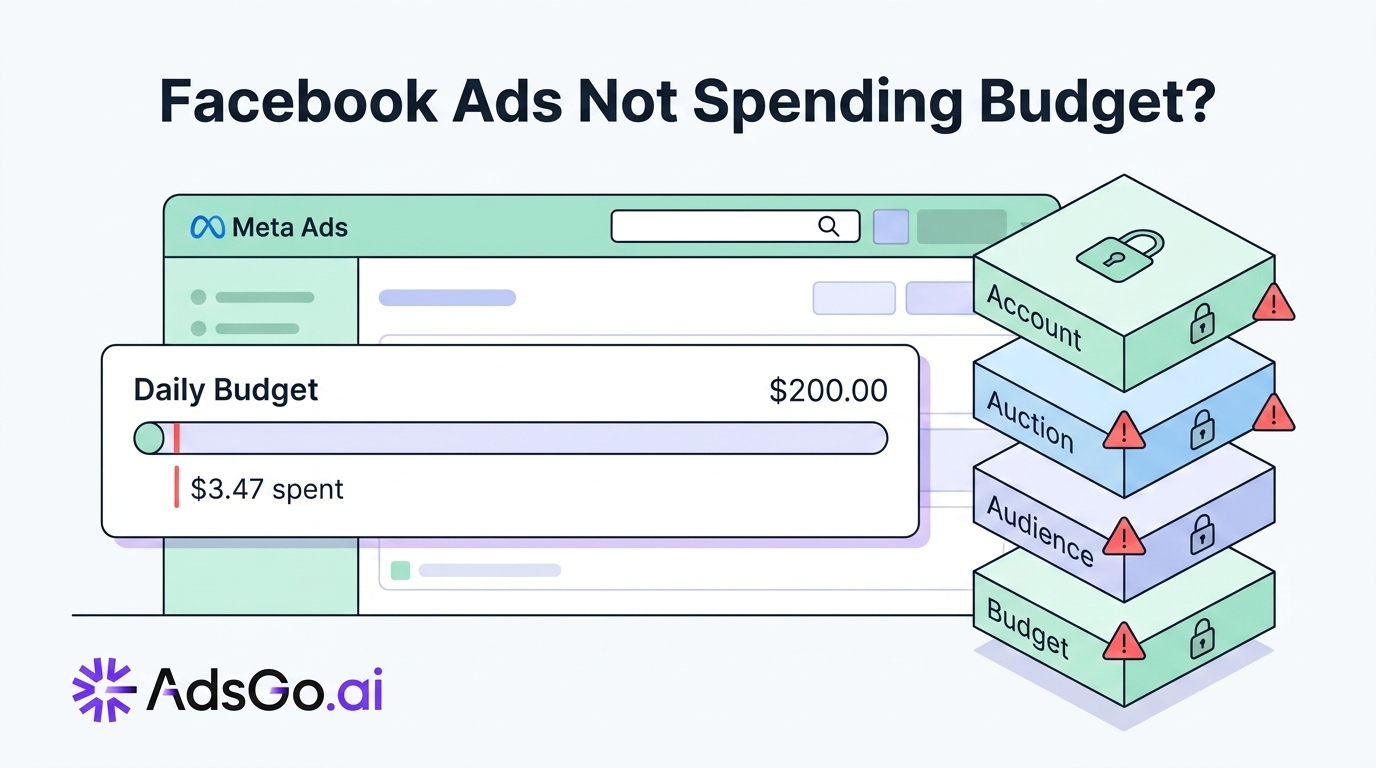

Setting a $300/day budget and ending the day at $47 spent is a specific kind of frustration. You haven't been blocked or rejected — your account is healthy, your ads are approved — but the system simply isn't using the money you've allocated.
This is different from a hard delivery stop. It's an underspend problem, rooted in how Meta's budget allocation, pacing, and bidding pressure systems interact. Understanding these systems is the only way to fix the problem systematically rather than randomly.
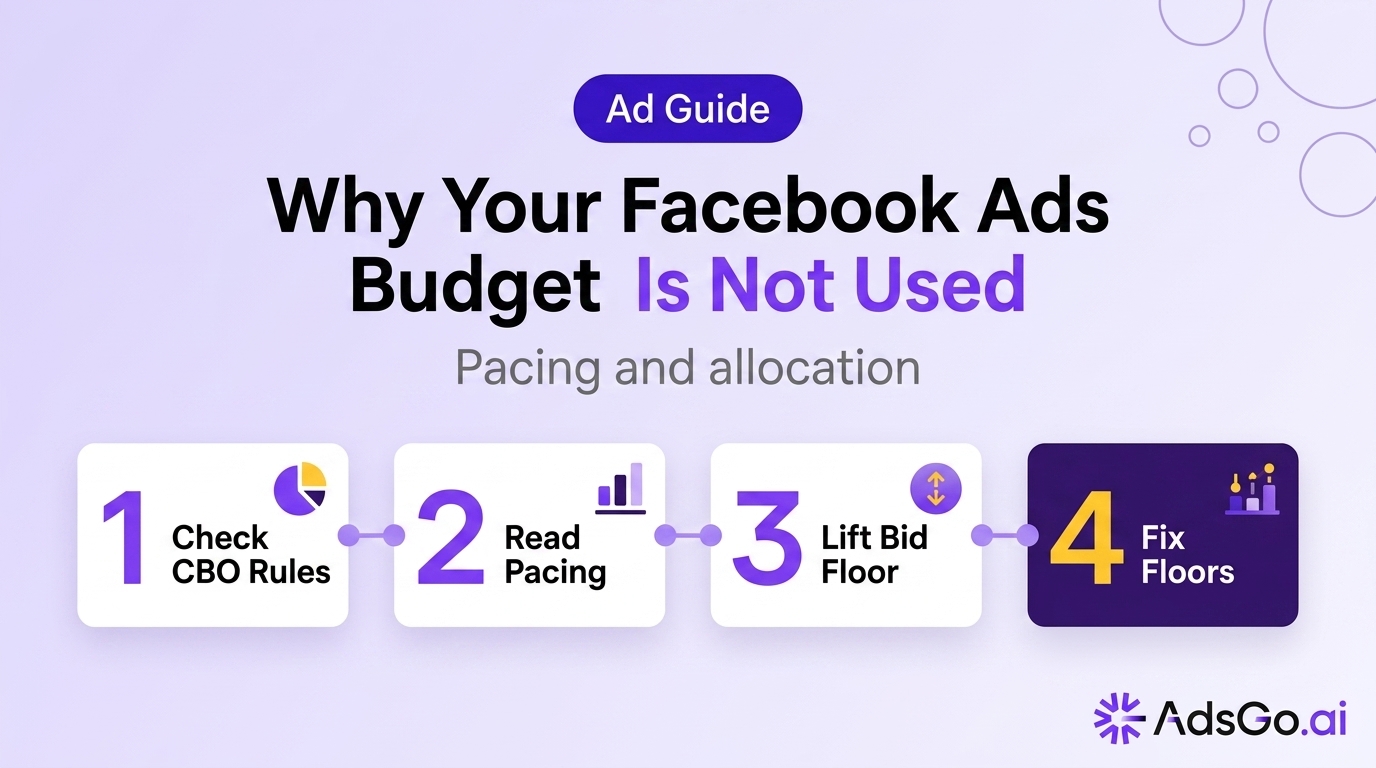
How Meta allocates budget
Meta doesn't receive your daily budget and spend it linearly. The allocation process involves several layers of decision-making before a dollar reaches the auction.
Campaign Budget Optimization (CBO) vs. Ad Set Budget (ABO)
CBO allocates budget at the campaign level and distributes it across ad sets based on predicted performance. Meta's algorithm prioritizes the ad set it predicts will generate the best results and may allocate 70–80% of budget to one ad set while giving near-nothing to others.
If you're expecting CBO to distribute budget evenly across 5 ad sets, you'll be disappointed — and confused about why 4 ad sets appear active but barely spend. CBO will starve underperforming ad sets regardless of their absolute spend potential.
ABO allocates a fixed budget per ad set. This gives you direct control over distribution but removes Meta's ability to shift budget toward winning ad sets dynamically.
When CBO causes underspend: If the highest-performing ad set in your CBO campaign has an audience that's saturating (frequency above 4.0), Meta's algorithm has nowhere efficient to allocate budget. It can't spend effectively on the saturating ad set and doesn't have confidence in the others — so total spend drops well below the campaign budget.
Budget Minimums and Maximums
CBO campaigns allow setting minimum and maximum spend floors per ad set. If minimum floors are set incorrectly, they can create allocation conflicts:
- Total minimum floors exceed campaign budget — Some ad sets can't receive their minimum, causing delivery failures across the campaign.
- Maximum caps too low — A high-performing ad set hits its maximum and Meta has leftover budget it can't efficiently allocate.
Check: Campaign → Edit → Ad Set Spend Limits. Ensure minimum floors sum to less than 70% of campaign budget, and maximum caps are set to at least 3× the minimum floor.
How Meta paces spend
Meta's pacing system distributes your budget across the day to prevent the entire budget from being spent in the first few hours (which would eliminate delivery for the rest of the day). Pacing is automatic and cannot be fully disabled — but it can malfunction in ways that cause significant underspend.
Standard Pacing
Under standard pacing, Meta targets a "pace" of approximately 1/24 of your daily budget per hour, adjusted for expected auction activity patterns. Most industries see higher auction activity during daytime and evening hours, so the algorithm naturally front-loads delivery in those windows.
Accelerated Delivery (Removed in 2022)
Meta removed the accelerated delivery option in 2022. If you're looking for this setting and can't find it, it no longer exists. All campaigns now run on standard pacing.
Pacing Failures That Cause Underspend
Front-load overshoot: If your campaign spends aggressively in the first 4 hours (due to high auction competition in your target time zone early in the day), Meta's pacing algorithm throttles delivery for the remaining hours to prevent overspending. This can cause 60–70% of your budget to sit unspent from mid-day onward.
Symptom: Check hourly spend distribution via Breakdown → Time of Day. If spend is heavily concentrated in the first 3–5 hours and near-zero afterward, pacing overshoot is the cause.
Fix: Increase the daily budget by 30–40% to give the pacing algorithm more headroom, and check if a scheduled delivery window is unnecessarily restricting the time available for pacing.
Low bid combined with standard pacing: If your bid cap is near the clearing price floor, Meta's pacing algorithm is constantly winning a small percentage of auctions. Standard pacing then spreads these infrequent wins across the day — resulting in 15–20% spend utilization.
Fix: Remove bid caps during the pacing correction period. Run Lowest Cost bidding for 7 days to establish baseline auction win rates, then reintroduce cost controls.
Ready to Launch Smarter Campaigns?
The Bidding Pressure Model
Budget utilization is ultimately a function of auction win rate. If your effective bid — after Meta's quality and relevance adjustments — is insufficient to win a significant fraction of auctions for your target audience, you simply won't generate enough impressions to spend your budget.
Bid Pressure Variables
Effective bid = your actual bid × predicted action rate × ad quality score
Even with a generous bid cap, low predicted action rate or low quality score reduces your effective bid, causing auction losses that reduce spend below budget.
Market bid pressure changes throughout the day and across the week. CPMs are typically 20–30% higher on weekday evenings and 30–40% higher in Q4. (industry estimate) If your bid cap was set based on Q1 CPM data, it may be insufficient for Q4, causing persistent underspend during competitive periods.
Audience size relative to budget: A $200/day budget targeting an audience of 50,000 people is requesting a very high coverage rate. Meta may not be able to find enough eligible auctions to clear $200/day without oversaturating a small audience — causing delivery to throttle before budget is consumed.
Diagnosing Bid Pressure Underspend
Compare these two numbers: your daily budget ÷ your estimated cost per 1,000 impressions (CPM) = the number of thousands of impressions needed to spend your budget.
If your CPM is $10 and daily budget is $200, you need 20,000 impressions per day. If your estimated audience is 80,000 people, you'd need to reach 25% of your audience every single day — a frequency rate that will saturate the audience within days.
The math reveals when your budget is structurally incompatible with your audience size: your budget × 1,000 ÷ CPM should be no more than 10–15% of your audience per day for sustainable delivery.
4 Fixes for Consistent Budget Utilization
Fix 1: Expand Audience to Match Budget Scale
If your audience is under 500K and your daily budget is above $100, the math may not work for full budget utilization. Expand audience to at least 5–10× your daily budget in CPM terms. For a $200/day budget at $10 CPM, you need 2M+ audience to sustainably spend without saturation.
Fix 2: Remove Minimum Spend Floors in CBO
If minimum spend floors are causing allocation conflicts, remove them entirely and let CBO distribute freely. Monitor for 5–7 days to see natural distribution, then reintroduce floors only for ad sets that consistently receive near-zero allocation.
Fix 3: Increase Budget Incrementally for Pacing Correction
For pacing overshoot problems, increase daily budget by 20–30% (not more) in a single edit. Large budget increases (50%+) reset the learning phase and create new pacing instability. Small increments allow the pacing algorithm to recalibrate without disrupting existing delivery patterns.
Fix 4: Switch From Daily to Lifetime Budget for Time-Sensitive Campaigns
Lifetime budget campaigns use a more aggressive pacing algorithm that actively front-loads delivery to ensure the full budget is spent before the campaign end date. For limited-time promotions, lifetime budget often achieves higher spend utilization than daily budget.
Budget sitting unused in your campaigns? AdsGo identifies the block and fixes it automatically. → Try AdsGo free
How AdsGo Manages Budget Pacing and Allocation
AdsGo's budget allocation system monitors hourly spend pacing across all Meta campaigns, comparing actual spend velocity against the theoretical pace needed to utilize 95%+ of daily budget. When pacing falls behind by more than 20% by midday, AdsGo surfaces a specific diagnosis — whether it's a bid pressure issue, audience saturation causing CBO to stall, or a spend floor conflict — with an actionable adjustment recommendation.
For accounts running multiple CBO campaigns simultaneously, AdsGo provides a cross-campaign budget efficiency view that identifies which campaigns are over-pacing (at risk of budget exhaustion) and which are under-pacing, enabling reallocation decisions before the end of day. (based on AdsGo internal campaign data)
FAQ
Is it normal for Facebook ads to not spend the full budget every day?
Minor underspend of 5–15% is normal — Meta's pacing system can't perfectly hit your budget to the dollar every day. Consistent underspend of 30%+ indicates a structural issue: audience too small for budget, bid cap below clearing price, or CBO allocation conflict. This level of underspend should be diagnosed and corrected.
Why do my Facebook ads spend well some days and barely anything other days?
Inconsistent daily spend usually indicates the campaign is in or near a learning phase, the audience is partially saturated (high-engagement days follow low-frequency days as Meta finds new users), or the campaign's bid is near the auction clearing price, causing win rate to fluctuate with competitive activity.
Does pausing and restarting a campaign fix underspend issues?
Sometimes, but with a significant cost: pausing a campaign that has exited the learning phase resets it back to learning when restarted. You lose the delivery optimization the algorithm built, and the campaign may underspend again during the new learning period. Before pausing, try structural fixes (audience expansion, bid adjustment) that don't require stopping the campaign.
Can CBO cause some ad sets to not spend at all?
Yes. In CBO, Meta allocates nearly all budget to the highest-predicted-performance ad set. Ad sets it predicts will underperform may receive less than 5% of budget — effectively zero for practical purposes. If you need guaranteed spend on specific ad sets, switch to ABO (Ad Set Budget Optimization) and set individual budgets per ad set.
My campaign was spending fine last month and now underspends — what changed?
The three most common causes of gradual spend decline over weeks or months: audience saturation (the audience you were reaching efficiently is now over-exposed), a competing advertiser entered your auction with higher bids, or your ad quality score declined due to accumulating negative feedback signals. Check frequency trends and Delivery Insights to identify which factor applies.