
Your ROAS dropped. You don't know why. You've swapped creatives. Tweaked budgets. Restarted campaigns. Nothing stuck.
Sound familiar? It happens to almost every Facebook advertiser at some point. The frustrating part isn't the drop — it's not knowing which lever to pull.
This is the exact framework we used to take one account from 1.1x ROAS to 3.6x in 30 days. The account wasn't broken. The diagnosis was.
Why ROAS Drops (The Diagnosis Most Advertisers Skip)
Most advertisers jump straight to fixing things before they know what's actually broken. That's how you waste two weeks changing the wrong thing.
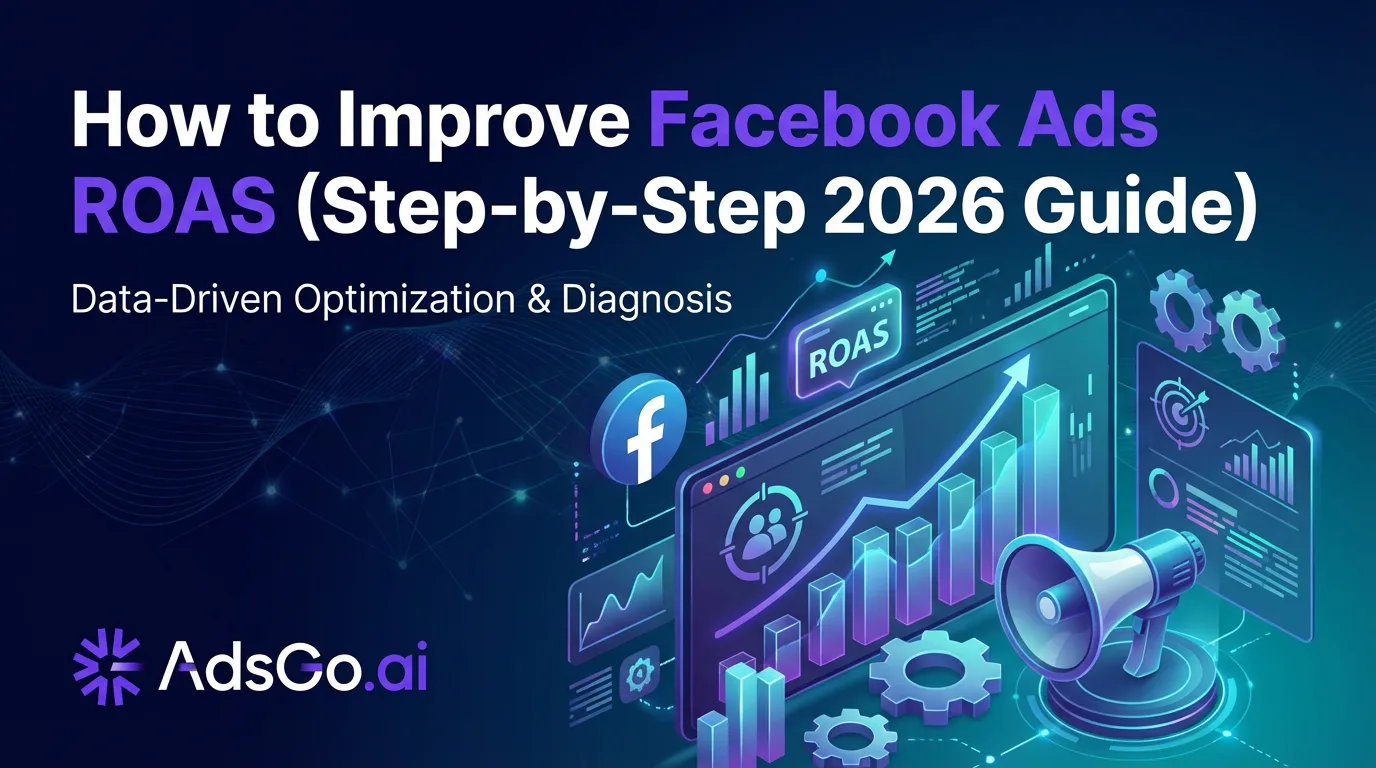
ROAS (Return on Ad Spend) is Revenue divided by Ad Spend. But that single number hides everything. To improve it, you need to understand what's driving it.
The ROAS Driver Model
Three levers control your ROAS. All three have to work together.
- CTR (Click-Through Rate) — Are people clicking your ad? Low CTR means your creative or hook isn't connecting.
- CVR (Conversion Rate) — Are clicks turning into sales? Low CVR means something breaks after the click — usually your landing page or offer.
- CPC (Cost Per Click) — What are you paying for each click? High CPC eats into margin even if everything else is fine.
The relationship: ROAS = (CVR × Average Order Value) / CPC
That formula tells you something important: fixing just one lever can dramatically change your results. But you have to fix the right one.
Quick Diagnosis: Which Lever Is Broken?
Pull your last 14 days of data from Ads Manager. Then check against this table.
| Symptom | Broken Lever | Where to Look |
|---|---|---|
| High impressions, low CTR | Creative (hook not working) | CTR by individual ad |
| Good CTR, low purchases | Landing page or offer (CVR problem) | Pixel funnel events |
| Rising CPM, rising CPC | Audience saturation or overlap | Frequency + overlap report |
| Good CTR + CVR, poor ROAS | CPC too high or AOV too low | Bid strategy + product pricing |
| Performance always low, never good | Wrong audience from the start | Audience structure |
(Based on AdsGo internal campaign data)
Once you know which lever is broken, go straight to the matching fix below.
Fix #1: If Your CTR Is Too Low
A low CTR means people are scrolling past your ad. Your creative isn't stopping them.
"Low" is relative to your industry. Here's a quick benchmark to check yourself against.
CTR Benchmarks by Industry (2026)
These numbers apply to cold audience campaigns. If you're below the "Average" column, your creative hook needs work.
| Industry | Average CTR | Strong CTR |
|---|---|---|
| Ecommerce (General) | 1.0%–1.5% | 2.0%+ |
| Fashion / Apparel | 1.2%–1.8% | 2.5%+ |
| Health & Wellness | 0.9%–1.4% | 2.0%+ |
| SaaS / B2B | 0.6%–1.0% | 1.5%+ |
| Education | 0.8%–1.2% | 1.8%+ |
(Source: WordStream Industry Benchmarks, 2025; AdsGo internal campaign data)
3 Ways to Fix a Low CTR Fast
1. Fix the first 3 seconds. For video, the opening frame determines everything. Lead with the problem or a bold question — not your logo. For static ads, your headline and image must create instant curiosity or recognition.
2. Test a pattern interrupt. Your audience is in scroll mode. Use something unexpected: an unusual image, a direct question, a bold claim. Test it against your current control and let the data decide.
3. Match the ad to the audience temperature. Cold audiences need a reason to care. Warm audiences already know you — they need a reason to act now. Running the same creative to both is a common mistake that tanks CTR for one group.
Run each new creative for at least 7 days before judging performance. Meta needs time to find the right people for it.
For a full system on preventing creative drop-off, read how to reduce Facebook ad creative fatigue.
Fix #2: If Your CVR Is Too Low
Good CTR but terrible ROAS? People are clicking. They're just not buying.
This is almost always a landing page problem — not an ad problem.
The 3 Most Common CVR Killers
Message mismatch. Your ad promises one thing. The landing page delivers something slightly different. Even a small gap — different product shown, different price, different headline — causes people to bounce immediately.
The fix: The exact product featured in your ad must appear above the fold on the landing page. Same image. Same price. Same language.
Missing trust signals. A first-time visitor needs reasons to trust you before handing over money. Reviews, security badges, return policy, and real customer photos all matter more than you think.
The fix: Put at least 3 trust signals above the fold. Don't hide them at the bottom of the page.
A confusing offer. If someone has to think about what they're getting, they won't buy. Clarity beats cleverness every time.
The fix: Your offer should be explainable in one sentence. If it isn't, simplify it.
Where to Look in the Data
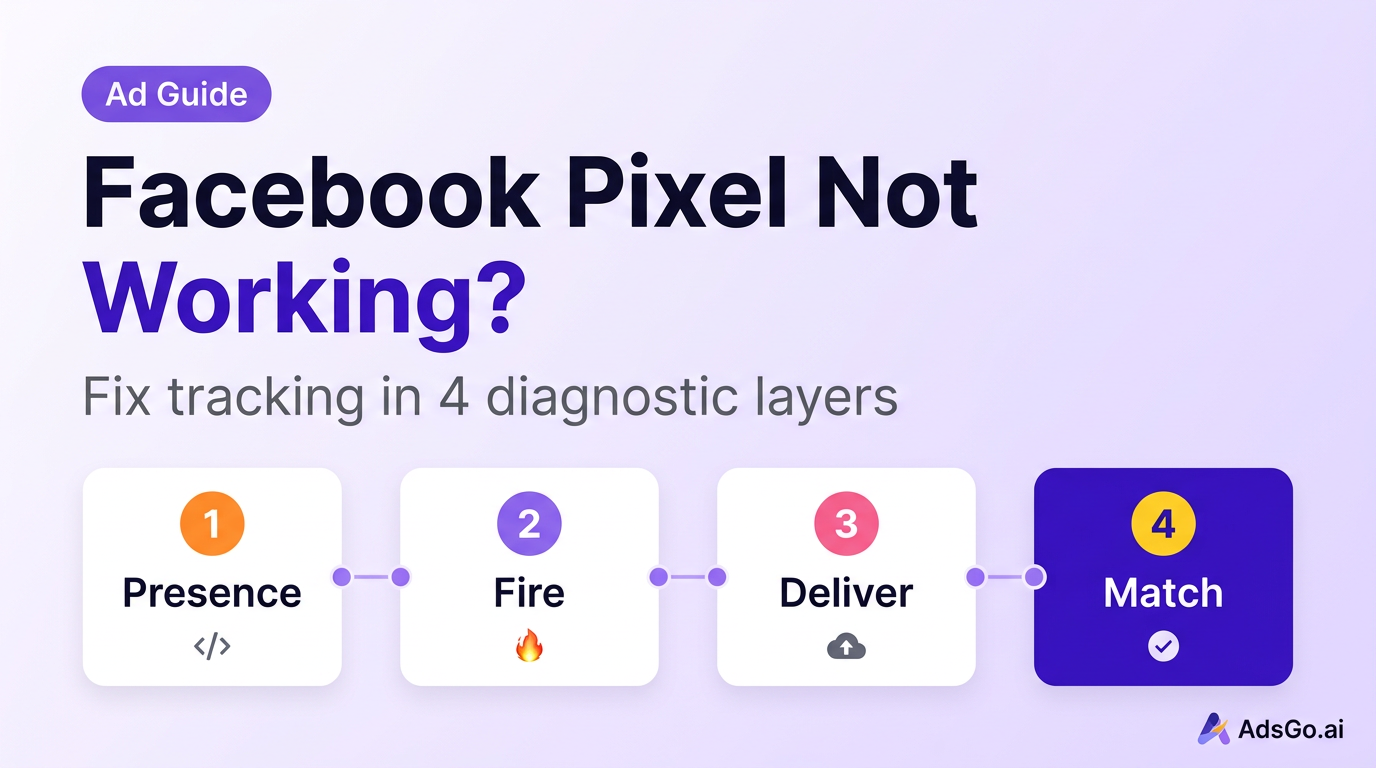
Check your Facebook Pixel's funnel events in sequence: landing page view → add to cart → initiate checkout → purchase.
Where does the biggest drop-off happen? That's exactly where to focus.
- Big drop at add-to-cart: Usually price, trust, or offer clarity
- Big drop at checkout: Friction in the checkout flow (too many steps, no express option)
- Drop across the entire funnel: Almost always a message mismatch from the ad
Ready to Launch Smarter Campaigns?
Fix #3: If Your CPC Is Too High
High CPC (Cost Per Click) means you're overpaying for every visitor. This eats your margin even when everything else is working well.
Three things typically drive CPC up.
Audience Overlap — Bidding Against Yourself
If multiple ad sets target similar audiences, they compete in the same auction against each other. This drives up your own costs.
How to check: Use Meta's Audience Overlap tool in Ads Manager. Any overlap above 20% between ad sets is a problem.
The fix: Consolidate overlapping ad sets, or add exclusions so each ad set reaches a distinct group.
Wrong Bid Strategy for Your Campaign Stage
New campaigns need breathing room. Using cost caps or bid caps too early means Meta can't spend efficiently — it gets conservative and CPCs spike.
The fix: Start with "Lowest Cost" (automatic bidding) for the first 7–14 days. Switch to cost caps only after the campaign exits the learning phase (50+ conversions per week).
Creative Fatigue Driving Up Costs
When your audience has seen the same ad too many times, engagement drops. Meta then charges more to show it because the ad is performing worse. Frequency is your early warning.
The fix: Once frequency exceeds 2.5 on a cold audience, rotate in fresh creative. Don't wait until CTR collapses — by then, you've already overpaid.
Real Example: 3.2x ROAS Improvement Breakdown
Here's what one account looked like when it came to us — and what we changed.
Before (Week 1 baseline):
- ROAS: 1.1x
- CTR: 0.6%
- CVR: 1.2%
- CPC: $3.40
- Frequency: 4.1
The high frequency was the first signal: creative fatigue was a major problem. But digging deeper revealed two more issues.
The 3 changes we made:
Change 1 — New creative (CTR fix): We replaced static product shots with UGC-style video showing real use cases. The hook was a direct question: "Why does everyone keep coming back to this?" CTR jumped from 0.6% to 1.8% within 10 days.
Change 2 — Landing page alignment (CVR fix): The ad featured a specific bundle. The landing page showed the general store homepage. We built a dedicated landing page that matched the ad exactly. CVR went from 1.2% to 2.8%.
Change 3 — Audience consolidation (CPC fix): They had 6 overlapping interest-based ad sets all competing against each other in the same auction. We consolidated to 2 focused ad sets with proper exclusions. CPC dropped from $3.40 to $1.90.
After 30 days:
- ROAS: 3.6x
- CTR: 1.8%
- CVR: 2.8%
- CPC: $1.90
- Frequency: 1.4
The account wasn't a lost cause. It just needed a clear diagnosis before the fix.
ROAS not where it should be? AdsGo's AI optimization targets your highest-return levers automatically. → Try AdsGo free
The AI Optimization Loop
Running this diagnosis manually — across multiple campaigns, every single week — takes hours. It's also easy to miss early warning signals before they become expensive problems.
AdsGo's AI Optimization engine monitors your CTR, CVR, CPC, and frequency automatically. It surfaces which lever needs attention before ROAS starts declining — not after you've already lost a week of budget.
Pair it with AdsGo Ad Insight for funnel-level analytics that show exactly where you're losing conversions. Instead of guessing, you get a ranked list of what to fix first — and roughly how much each fix is likely to move your ROAS.
For advertisers managing multiple campaigns, this shortens the diagnosis-to-fix cycle from two weeks to two days.
FAQ
My ROAS dropped this week — did I do something wrong?
Not necessarily. ROAS fluctuates naturally day to day. Check frequency first — if it's above 2.5, creative fatigue is likely the cause. Also look for external factors: weekend vs. weekday buying behavior, seasonal shifts, or a competitor entering your auction. If nothing changed on your end, give it 3–4 days before making any adjustments.
What's a good ROAS for Facebook Ads in 2026?
It depends on your margins. Calculate your break-even ROAS first: divide 1 by your profit margin. If your margin is 40%, you break even at 2.5x ROAS. Anything above that is profitable. For ecommerce, most healthy accounts run 3.5x–5.0x blended. SaaS and lead-gen businesses typically see 2.5x–4.0x.
Should I increase budget when ROAS drops?
No. More budget on a broken campaign means faster losses. Diagnose the problem first, fix it, then scale. Once ROAS is stable at or above your target, increase budget in 15–20% increments every 3–4 days to stay within Meta's learning phase.
How long does it take to see ROAS improve after making changes?
Creative changes usually show results within 3–7 days. Landing page fixes can show impact within 48 hours. Audience restructuring takes 7–14 days as Meta re-optimizes. Budget changes trigger a new learning phase — allow 7 days before drawing conclusions.
Can I improve ROAS without touching my ads?
Yes. Landing page optimization is often the fastest win. Improving CVR from 2% to 4% doubles your ROAS with zero new creative. Also check audience exclusions — removing past purchasers from cold campaigns and fixing audience overlap can improve ROAS by 10–20% with no creative changes. For more on cutting wasted spend, see how to reduce Facebook Ads cost.
My CTR looks fine but ROAS is still bad. What's going on?
This is the classic CVR problem. Good CTR means people are clicking — but something on the other side is stopping them from buying. Check your landing page for message mismatch, missing trust signals, slow load speed (target under 3 seconds on mobile), and checkout friction. Build a pixel funnel report to see exactly where people are dropping off.
My ROAS is dropping gradually, not suddenly. What does that usually mean?
Gradual decline is almost always creative fatigue. Check your frequency trend — if it's been rising steadily over 1–3 weeks alongside a falling CTR, your audience is getting tired of your ads. Rotate in fresh creative immediately. For audience restructuring strategies, see how to find your target audience for Facebook Ads.