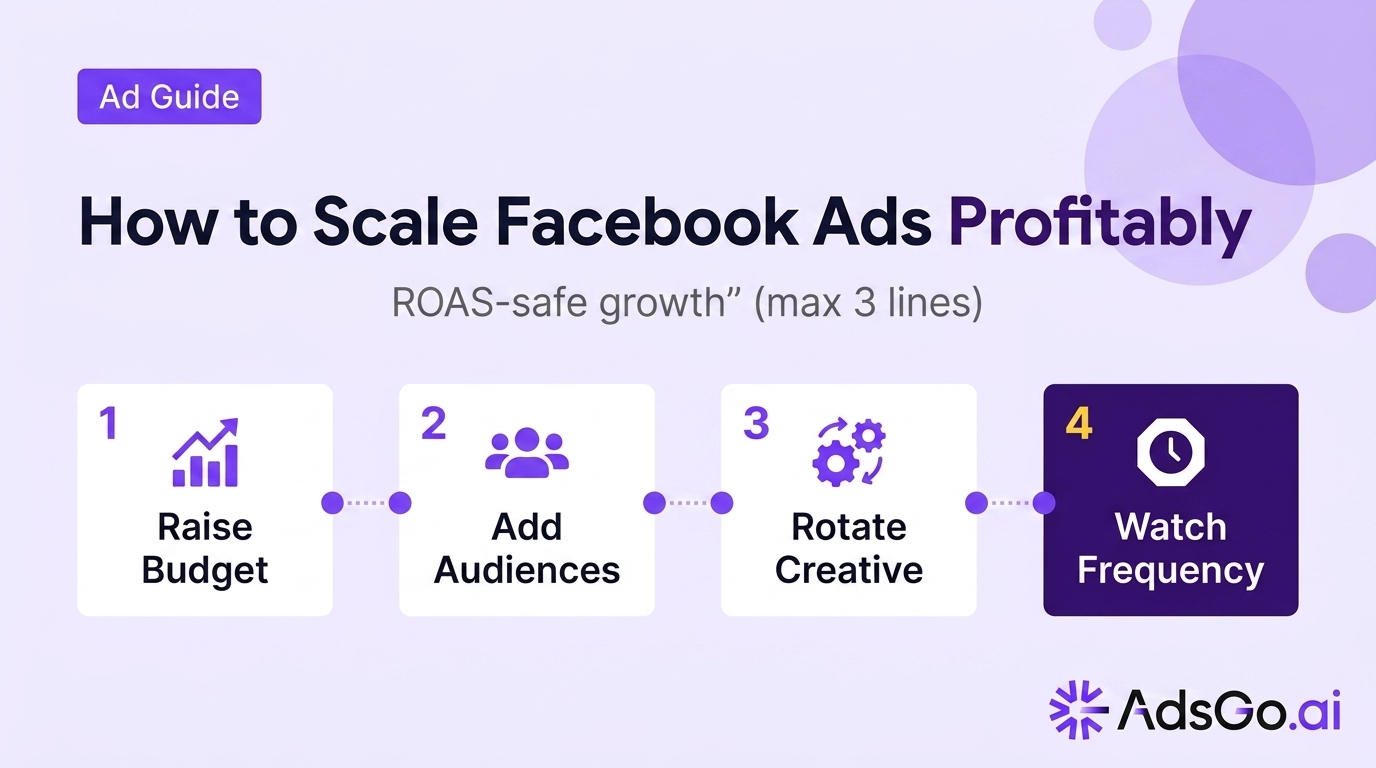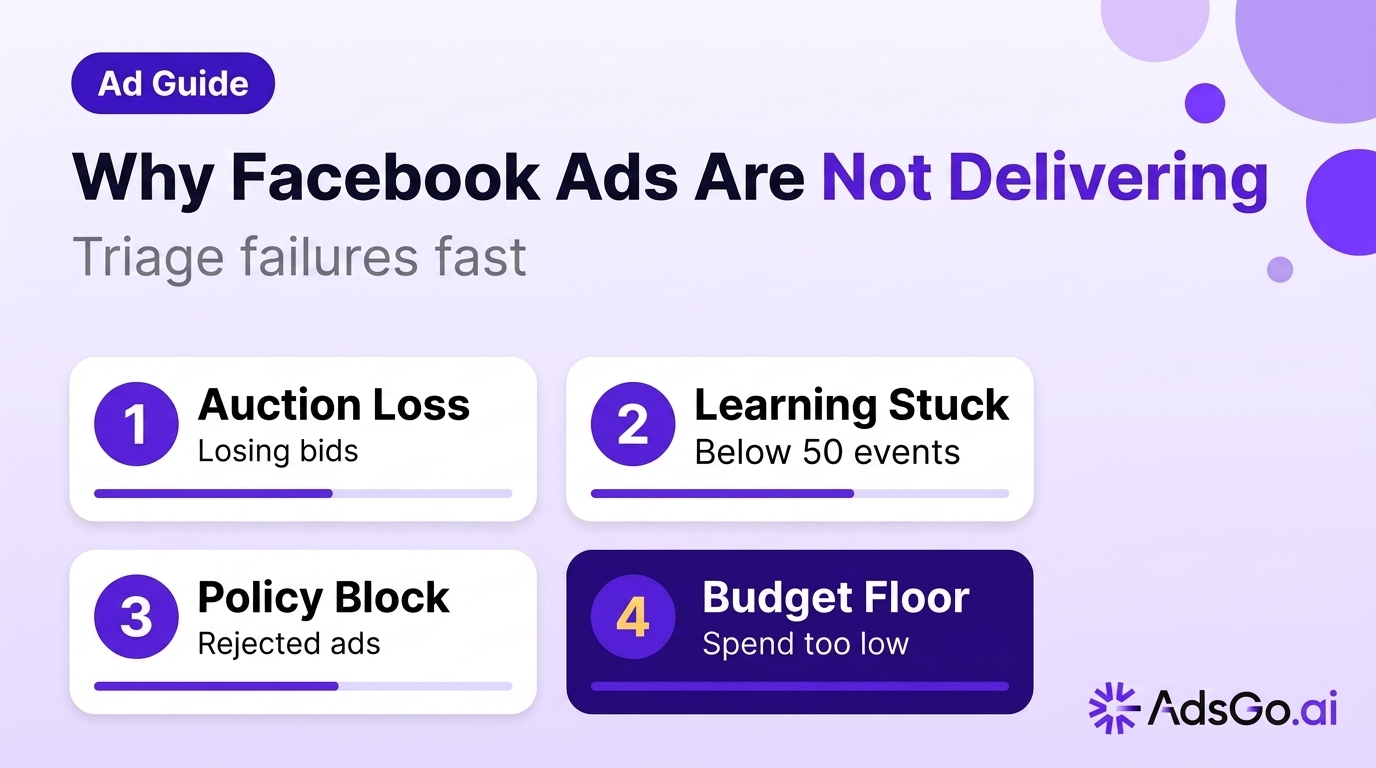

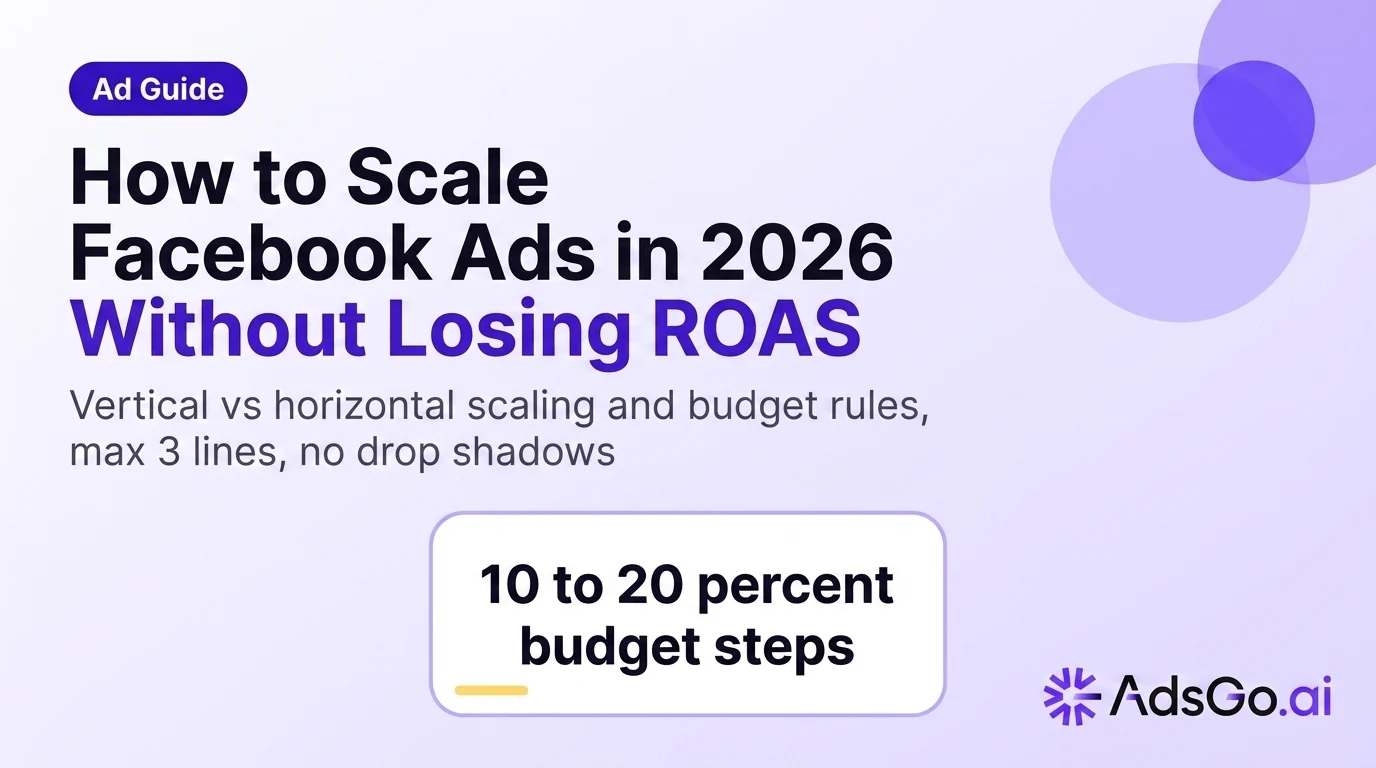
Scaling Facebook Ads is easy. Keeping ROAS stable while you do it is the hard part.
The reason most scaling attempts fail isn't budget size — it's doing too much, too fast, without validating that marginal spend still produces profitable results. In practice, the difference between scaling safely and watching ROAS collapse comes down to three decisions: vertical vs. horizontal, the budget increase rule you follow, and whether you can read why ROAS drops before it compounds.
People also search for this topic:
- How to scale Facebook Ads without losing ROAS
- Facebook Ads vertical scaling vs horizontal scaling
- Why does ROAS drop when I increase Facebook Ads budget
- How much to increase Facebook Ads budget safely
What is scaling Facebook Ads?
Scaling Facebook Ads means deliberately increasing the reach, budget, or audience footprint of campaigns that are already profitable — while maintaining or improving cost efficiency (CPA or ROAS).
The critical word is already profitable. Scaling amplifies whatever is already happening in your account. If marginal CPA is stable and creative is fresh, scaling accelerates returns. If creative is fatiguing or audiences are saturating, scaling accelerates the decline.
Two core modes of scaling:
- Vertical scaling — add more budget to existing winning structures
- Horizontal scaling — add new ad sets, audiences, creatives, or geos alongside current winners
What scaling is NOT:
- Doubling budget overnight because one campaign had a good week
- Running higher budgets before conversion volume supports Smart Bidding
- Assuming last-click ROAS in Ads Manager reflects true incremental revenue
Readiness signals before you scale:
- CPA stable for 7+ consecutive days across multiple ad sets
- Minimum 15–20 conversions per week per ad set
- Creative fatigue absent: frequency below 3.0, CTR holding vs. 7-day baseline
- No major structural edits in the last 48–72 hours (edits reset learning)
For creative foundations before pushing spend, read how to use AI for Facebook Ads — fatigued creative scales failure faster than any bid adjustment.
Scaling Meta spend but unsure if ROAS is actually holding?
Vertical scaling explained
Vertical scaling raises the budget inside winning ad sets or campaigns that already show stable marginal results. Same structure, higher spend cap. It's the right move when creative and audiences are proven and you need more purchase volume from known-performing cells.
The core mechanic: You're giving Meta more budget to find more people matching your existing conversion profile. The risk is outrunning learning if jumps are too large, or hitting auction ceiling where each additional dollar buys worse impressions.
Vertical scaling works best when:
- CPA has been stable for 7+ days (not just fluctuating)
- Ad sets have exited the learning phase (50+ optimization events)
- Frequency is below 3.0 (audience not saturated)
- Creative has been running less than 14 days
Vertical scaling performance benchmarks:
| Budget increase size | Expected learning disruption | Recommended |
|---|---|---|
| 10–20% | Minimal — usually absorbs cleanly | ✅ Yes |
| 20–30% | Moderate — monitor for 3–5 days | ✅ With caution |
| 30–50% | Often resets learning phase | ⚠️ Avoid unless urgent |
| 50%+ (overnight) | Almost always resets learning | ❌ No |
Red flags during vertical scaling:
- CPA rising more than 15% above your 7-day baseline
- Frequency crossing 3.5+
- CTR declining more than 20% from baseline
- CPM increasing sharply without corresponding conversion lift
If any two red flags appear simultaneously, stop scaling and refresh creative before the next budget step.
Horizontal scaling explained
Horizontal scaling duplicates or creates new ad sets alongside winners — new audiences, new creative packs, new geos, or new offers — with similar winning hypotheses. It spreads your budget across more auction cells rather than concentrating it in fewer.
The core mechanic: Instead of pushing one winning cell harder, you open new cells that can independently win. Each new cell needs enough budget to generate its own conversion signal and exit learning.
Horizontal scaling works best when:
- Frequency in current ad sets is rising (3.0+ and climbing)
- CPM is increasing even though creative CTR is holding
- You have 3–5 distinct audience hypotheses ready to test
- Creative pipeline has at least 2–3 new angles ready to deploy
Horizontal scaling table:
| Horizontal move | What you're testing | Minimum budget per cell |
|---|---|---|
| New lookalike % (1% → 3%) | Audience breadth | $30–50/day |
| New interest stack | Audience targeting | $30–50/day |
| New geo | Market expansion | $40–60/day |
| New creative angle | Hook / format | $20–40/day |
| New offer / landing page | Conversion rate | $40–60/day |
Risk: If every new cell is funded too thin to exit learning, you fragment your conversion signal and slow optimization across the account. Aim for 3–5 cells maximum expanding simultaneously.
Choosing between vertical and horizontal:
| Signal | Action |
|---|---|
| CPA stable, frequency below 3.0 | Vertical — add budget to winners |
| Frequency rising, CPM climbing | Horizontal — open new cells |
| Both CPA rising AND frequency high | Pause and refresh creative first |
| New market or product line | Horizontal with separate campaign |
How fast to increase budget safely
The most common scaling mistake is budget shock — increasing spend faster than Meta's delivery algorithm can recalibrate. Here is the rule used by high-volume Meta advertisers:
The 10–20% budget increase rule:
- Increase budget by 10–20% per step
- Maximum 30% in a single increase
- Wait 3–5 days after each increase before evaluating or stepping again
- Never raise budget and change creative/audience in the same 48-hour window
Why this rule exists: Meta's delivery algorithm optimizes toward your best-performing audiences within the current budget envelope. A large single-step increase effectively restarts this optimization from scratch — you're paying to relearn what you already knew.
Budget ladder by account size:
| Monthly ad spend | Safe weekly increase | Maximum single step |
|---|---|---|
| Under $3,000 | 15–20% | $300 absolute max |
| $3,000–$10,000 | 10–20% | 25% |
| $10,000–$50,000 | 10–15% | 20% |
| Over $50,000 | 8–12% | 15% |
Time window rules:
- Minimum 3 days: before judging a new budget level
- Minimum 5 days: recommended before the next step increase
- 7+ days: required to confirm CPA is stable (not just temporarily holding)
- After creative edits: wait 48–72 hours before adding budget — edits reset delivery
Exception: promotional events (BFCM, sales) During known high-demand windows, larger single-step increases are sometimes warranted — but mark the dates in your reporting. Do not use promo-inflated ROAS to justify permanently higher budgets.
Why ROAS drops when scaling
ROAS drops when scaling are predictable — they follow a consistent pattern. Understanding the root cause tells you exactly which lever to pull.
The 5 most common ROAS drop causes when scaling:
1. Learning phase disruption
Budget increases above 30% often reset Meta's learning phase, forcing the algorithm to re-explore audiences. During learning, CPA is volatile and ROAS appears unstable.
Signal: "Learning" or "Learning Limited" status reappears in Ads Manager after budget change. Fix: Revert to smaller increase steps. Wait for learning exit before scaling further.
2. Creative fatigue accelerating
More budget = more impressions = faster audience exposure. The same creative that worked at $100/day fatigues in days at $500/day.
Signal: CTR falling more than 20% from baseline; frequency crossing 3.5+. Fix: Launch new creative variations before scaling to the next budget tier.
3. Audience saturation
Higher budgets push Meta's algorithm to find less-qualified matches once the best-fit audience is exhausted.
Signal: CPM rising sharply while CTR holds or declines; frequency above 3.5. Fix: Horizontal expansion to new audience cells; broaden lookalike percentage.
4. Attribution window mismatch
More top-of-funnel impressions (from scaling prospecting) create longer attribution paths. The 7-day click window may show ROAS declining while actual revenue impact is delayed.
Signal: Ads Manager ROAS drops but revenue in Shopify/GA4 stays flat or rises. Fix: Use view-through attribution window in addition to click; compare platform ROAS to blended revenue.
5. Non-ad factors
Shipping delays, stockouts, price increases, or competitor promotions can tank conversion rate — while Meta's delivery looks healthy.
Signal: CTR and CPM are stable, but conversion rate drops across all ad sets simultaneously. Fix: Check operations (inventory, fulfillment time, checkout friction) before adjusting campaigns.
ROAS drop diagnostic table:
| Symptom | Likely cause | First action |
|---|---|---|
| CPA up + CTR down + high frequency | Creative fatigue | Refresh creative immediately |
| CPA up + CPM up + CTR stable | Audience saturation | Expand horizontally |
| CPA up + "Learning" status | Learning phase reset | Reduce budget step size |
| CPA up + stable Meta metrics | Non-ad factor | Check ops / landing page |
| Platform ROAS down + revenue flat | Attribution lag | Check view-through attribution |
Scaling mistakes
These six patterns consistently destroy ROAS during scaling — they're predictable and preventable.
1. Single large budget shocks Doubling budget overnight resets learning and forces Meta to re-explore delivery from scratch. Use the 10–20% ladder rule instead.
2. Scaling overlap-heavy audiences Multiple ad sets competing for the same people inflates CPM without proportional revenue. Audit audience overlap before expanding horizontally; use exclusions where needed.
3. Changing multiple variables at once Raising budget + swapping creative + editing audiences in the same 48 hours makes it impossible to attribute performance changes. One variable at a time, with observation windows between.
4. Ignoring cash flow and fulfillment Scaling works until operations break. Shipping delays, stockouts, and return spikes can kill ROAS while the ads themselves are functioning correctly. Align media pushes with operations.
5. Using promotional ROAS as the baseline Scaling after a sale event using promo-period ROAS as the new target sets you up for disappointment. Track and flag promo periods separately.
6. No creative pipeline before scaling Scaling without 3–5 fresh creative angles queued means you amplify the same hooks until performance collapses. Build creative depth before adding budget.
Scaling checklist
Use this before each budget increase. If you check fewer than 7 of 10 items, wait before scaling.
Performance validation (required)
- CPA stable for 7+ consecutive days (not just 2–3 green days)
- Ad sets have 15–20+ conversions per week (sufficient conversion volume)
- All active ad sets have exited learning phase
- No major structural edits in the last 48–72 hours
Audience health (required)
- Frequency below 3.0 on active creatives
- CPM trend is flat or declining (not rising sharply)
- CTR within 80% of the creative's first-week baseline
Creative readiness (required)
- 2–3 fresh creative variations are queued and ready to deploy
- No creative has been running unchanged for more than 14 days
Budget move (required)
- Budget increase is 10–20% (maximum 30% in one step)
- Previous budget increase was more than 3 days ago
- Scale direction is confirmed: vertical (existing cell) or horizontal (new cell)
Monitoring plan
- Red flag thresholds defined: CPA +15%, frequency 3.5+, CTR -20%
- Review window set: 3–5 days minimum before next evaluation
- Rollback plan ready if red flags appear
✅ 10+ checks: proceed with scaling ⚠️ 7–9 checks: scale cautiously, monitor daily ❌ Below 7: fix the gaps before adding budget
Related guides
- Creative for scaling: How to use AI for Facebook Ads — AI-generated creative reduces fatigue cycles when pushing spend
- Platform comparison: Google Ads vs Facebook Ads for small business — when to scale Meta vs shift budget to Google Search
- Audience strategy: How to find your Facebook Ads target audience — horizontal scaling works when fresh audiences are ready
- ROAS optimization: How to optimize Meta Ads for higher ROAS — the full ROAS driver model
FAQ
How much should I increase Facebook Ads budget at once?
Increase by 10–20% per step, with a maximum of 30% in a single increase. Wait 3–5 days after each increase before evaluating results or stepping again. Larger jumps often reset Meta's learning phase, causing temporary CPA volatility.
Should I scale budget or duplicate campaigns first?
If your winning ad set is healthy and not saturated (frequency below 3.0, CPA stable), vertical budget increases are usually faster. If frequency is rising and CPM is climbing, duplicate to new audiences or geos horizontally before adding more budget to existing cells.
Why does ROAS drop when I increase my Facebook Ads budget?
The five most common causes: learning phase disruption from large budget jumps, creative fatigue accelerating at higher spend, audience saturation, attribution window mismatch, or non-ad operational issues (shipping delays, stockouts). Use the ROAS drop diagnostic table above to identify which cause applies to your account.
How do I know if it's audience saturation or creative fatigue?
Audience saturation: CPM rising while CTR holds or declines; frequency above 3.5. Creative fatigue: CTR declining while CPM stays flat; increasing negative feedback (hide ad, report). Both can occur simultaneously when scaling — address creative first, then expand audiences.
Does Advantage+ replace manual scaling rules?
Advantage+ automates delivery choices within Meta's system, but you still need: sufficient conversion volume, fresh creative supply, and budget discipline at the portfolio level. The 10–20% increase rule and minimum observation windows still apply even with Advantage+ campaigns.
How long does it take for Facebook Ads to stabilize after a budget change?
Expect 3–5 days of volatile performance after each budget increase before results stabilize. If CPA is still unstable after 7 days, either the increase was too large (triggering a learning reset) or a non-budget factor (creative fatigue, audience saturation) is causing the instability.